
Linting Markdown in CI, so broken docs fail the build instead of the reader
· 5 min read
How to add a Markdown linter and link checker to a CI pipeline, split errors from warnings, and catch broken documentation before it reaches production.
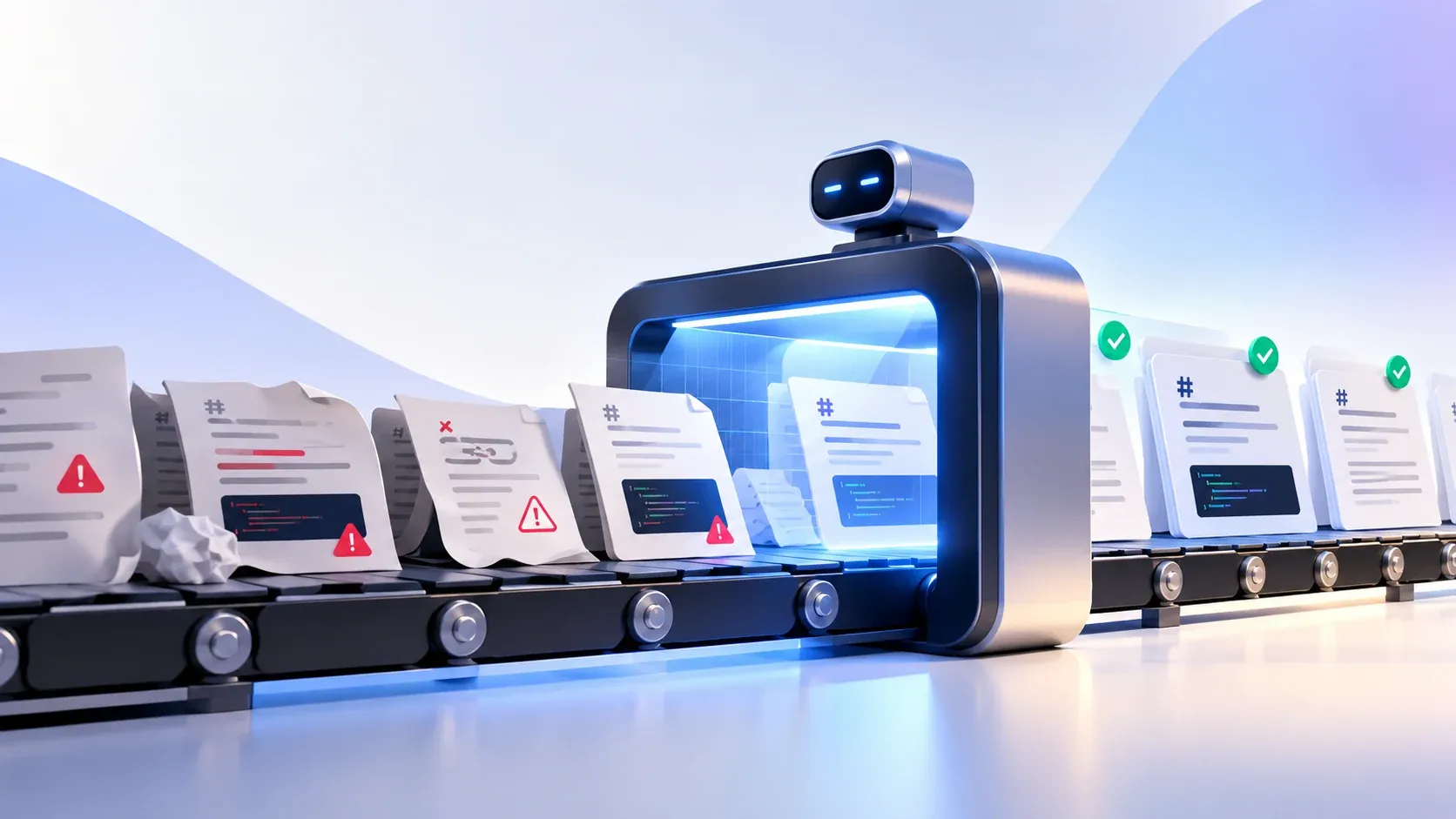
The format itself is deliberately forgiving: Markdown was created in 2004 to be readable plain text, and permissiveness is what makes it pleasant to write in. A Markdown file will not tell you it is malformed. A table with a missing separator row still renders. A heading skipped from H2 to H4 still appears in the document. A link pointing at a page you deleted last quarter still returns a 404, silently, in production. Nothing throws, no build fails, and the damage shows up as an accessibility complaint or a support ticket weeks later.
Linting closes that gap by checking the source before it ships. It is a fast, deterministic check with no dependencies on a network or a browser, which makes it a natural fit for a pull request check. The pattern is simple: run a linter over the Markdown, fail the job on errors, and let the pipeline be the place where style stops being a matter of opinion.
Key Takeaways
- Markdown is permissive by design, so nothing in the toolchain reports errors unless you add a check.
- A linter is fast and deterministic, which makes it cheap enough to run on every push.
- Separate errors from warnings so the job fails on real breakage, not on house style.
- Pair the linter with a link checker; the two catch different classes of problem. Running them as GitHub Actions steps keeps the result visible on the pull request itself, which is where a reviewer will look first.
What Is Markdown Linting?
Markdown linting is the automated checking of a Markdown document against a set of rules about structure, formatting, and consistency. It reads the file and reports lines that violate a rule, in the same shape as a linter for source code.
The reference for what is actually valid is the CommonMark specification, and a good linter's rules map back to it. When a rule surprises you, that document settles the argument, because the linter is enforcing the specification rather than a personal preference. Structural rules check that the document has one top-level heading, that heading levels do not skip, and that lists and code fences are well formed. Formatting rules cover line length, trailing whitespace, and consistent list markers. Consistency rules catch mixed emphasis styles or an unordered list that uses dashes in one section and asterisks in another.
What linting does not do is judge prose. It cannot tell you a paragraph is unclear or a heading is uninformative, and it should not try. The value is entirely in the mechanical failures, which are exactly the ones nobody catches by eye.
Most linters are configurable rule by rule, which is what makes the errors-versus-warnings split possible at all.
Why it belongs in CI
The case for putting a linter in continuous integration is that the check is nearly free. A Markdown file is small, the linter starts in milliseconds, and it needs no browser and no network. Running it on every pull request costs seconds and catches problems before review does.
That last part is the real argument. This works because the rules are external to the review. Style feedback delivered by a bot on the pull request is uncontroversial in a way that the same feedback delivered by a colleague is not. Nobody has to spend review attention on trailing whitespace, so review attention goes to whether the argument in the document holds up.
A typical pipeline step looks like this:
- name: Lint Markdown
  run: npx markdownlint-cli2 "**/*.md" "#node_modules"
The exclusion matters. Without it the linter walks your dependency tree and reports thousands of errors in files you do not own. Scoping the glob to your own paths, and ignoring build output, is what keeps the signal clean.
Errors versus warnings
The first decision is which failures should break the build. Treating every rule as an error produces a job that fails on a missing blank line before it ever catches a broken link, and the team learns to ignore it or add --fix reflexively.
The CommonMark specification defines what is valid, but what counts as wrong in a specific repository is a local decision. Split the two. Errors are things that make the document wrong: a skipped heading level, an unclosed code fence, a missing top-level heading, a link with no target. Warnings are style: line length, emphasis consistency, list marker style. Fail on errors, report warnings without failing.
- run: npx markdownlint-cli2 "docs/**/*.md"
  continue-on-error: true   # style only
Most linters support severity configuration so the same rule set can be tuned as a codebase settles. The practical approach is to start with the structural rules enforced and the formatting rules as warnings, then promote a formatting rule to an error once the backlog is clear.
What linting cannot catch
The most important limit is worth stating plainly: a linter reads one file at a time and knows nothing about your site. It cannot tell you that a link points at a page that no longer exists, because checking that requires a request.
That gap is why a link checker belongs beside the linter. The Lychee link checker is a common choice, and markdownlint is the usual linter; both are single binaries you invoke from the pipeline, taking a list of Markdown files, extracting every URL, and reporting any that fail. Run both and the pipeline catches two different classes: the linter finds structural mistakes in the file, the checker finds references to things that are gone.
Rendering is also the gap the markdownlint ecosystem cannot close, and a tool that renders the document, such as a preview, is the only way to see it. A file can satisfy every lint rule and still render badly, because linting reads source rather than output. Catching that needs an actual render, which is a heavier dependency and usually not worth it in the same job.
A workable setup
Put the checks in the order that fails fastest. Lint first, since it is local and instant. Link-check second, since it needs network. Only then consider anything involving a browser.
- name: Lint
  run: npx markdownlint-cli2 "**/*.md" "#node_modules"
- name: Check links
  run: lychee --no-progress docs/**/*.md
Keep the configuration in a file checked into the repository rather than in the workflow, so local runs and CI runs behave identically. A developer should be able to reproduce a CI failure on their own machine with one command, and that only works if the rules live in the repo.
The CommonMark dingus, the reference implementation's own interactive renderer, is a useful cross-check: paste a file in and compare the output against what your pipeline produces. If the pipeline calls markdownlint-cli2 with a config file, document that exact command in the contributing guide. A check that only exists on the server is a check people learn to route around.
Related tools and further reading
The Markdown Linter runs the same class of checks in your browser, with no repository and no pipeline, which makes it useful for catching problems before you push. The Markdown syntax cheat sheet covers the constructs a linter is checking, including the blank-line rules that trip up lists. The Markdown to HTML converter renders a document so you can see what a reader will actually get, which catches the class of problem no linter can. For the dialect differences that decide which rules apply, CommonMark vs GitHub Flavored Markdown covers the boundary.
Written by
Abhay Khant
Abhay Khant is the founder of ToolSura, a privacy-first developer tools platform. Writes about client-side architecture, AI tooling, and the open web.