
Regex Cheat Sheet 2026: Quick Reference for Developers
· 11 min read
Complete regex reference with 12 tables, 40+ patterns, browser support data (Baseline 2023), JS examples, and visual debugging tools included.
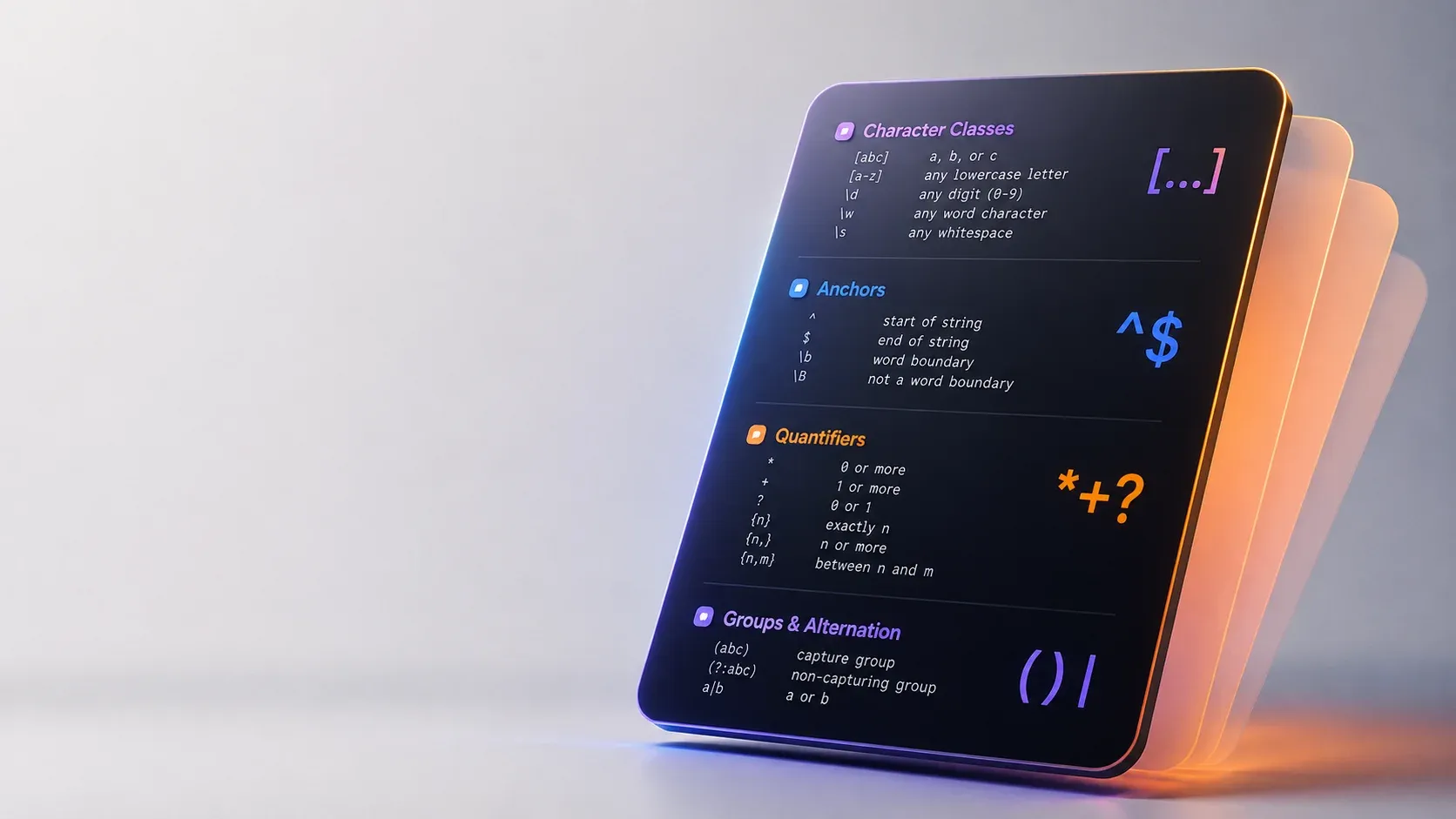
Where this fits in your toolkit
This pattern reference is a companion to the complete guide to developer tools. It focuses purely on syntax reference: the symbols, operators, and patterns you reach for daily. For workflow context, start with the pillar article.
\d for digits, \w for words, \s for whitespace, .*? for lazy matching, and (?<=prefix) for lookbehind extraction. Bookmark the tables below; the prose explains when to reach for each.For pattern theory beyond syntax lookup, the tutorials at regular-expressions.info remain the classic deep reference.
Character classes
Character classes match a single character from a defined set; the table below covers the essentials you will reach for daily.
| Pattern | Name | Matches | Example |
|---|---|---|---|
[abc] | Simple class | a, b, or c | [aeiou] matches any vowel |
[^abc] | Negated class | Anything except a, b, c | [^0-9] matches non-digits |
[a-z] | Range | a through z | [A-Z] matches uppercase letters |
\d | Digit | [0-9] | \d{3} matches three digits |
\D | Non-digit | [^0-9] | \D+ matches letters and symbols |
\w | Word char | [A-Za-z0-9_] | \w+ matches identifiers |
\W | Non-word | [^A-Za-z0-9_] | \W matches punctuation |
\s | Whitespace | Space, tab, newline | \s* matches optional spacing |
\S | Non-whitespace | Anything but whitespace | \S+ matches tokens |
Use \d, \w, \s for readability. Reserve explicit ranges like [a-f0-9] for hex or other constrained alphabets. See MDN character class for full details.
Anchors and boundaries
Anchors assert position without consuming characters. They match the empty string at specific locations.
| Anchor | Meaning | Example match |
|---|---|---|
^ | Start of string (or line with m flag) | ^https matches protocol at start |
$ | End of string (or line with m flag) | \.com$ matches TLD at end |
\b | Word boundary (\w next to \W or edge) | \bcat\b matches "cat" not "category" |
\B | Non-word boundary | \Bcat\B matches inside "scatter" |
Remember: \b and \B are zero-width. They check context, not characters.
Quantifiers
Quantifiers control how many times the preceding token repeats. By default they are greedy, matching as much as possible.
| Quantifier | Meaning | Greedy | Lazy |
|---|---|---|---|
* | 0 or more | * | *? |
+ | 1 or more | + | +? |
? | 0 or 1 | ? | ?? |
{n} | Exactly n | {3} | {3}? |
{n,} | n or more | {3,} | {3,}? |
{n,m} | Between n and m | {3,6} | {3,6}? |
Greedy quantifiers consume maximum input then backtrack. Lazy quantifiers (append ?) consume minimum then expand. The difference appears when a pattern can match in multiple ways:
const html = "textmore";
html.match(/<.*>/);        // Greedy: "textmore"
html.match(/<.*?>/);       // Lazy: ""
| Pattern | Input | Greedy match | Lazy match |
|---|---|---|---|
/<.*>/ | | | /<.*?>/) |
/\d+/ | 12345 | 12345 | 1 (with /\d+?/) |
/.{3,}/ | abcdef | abcdef | abc (with /.{3,}?/) |
Groups and alternation
Groups bundle subpatterns. Capturing groups store matches for backreferences or replacement. Non-capturing groups organize without storage overhead.
| Syntax | Type | Stores match | Use case |
|---|---|---|---|
(...) | Capturing | Yes | Backreferences, replace() with $1 |
(?:...) | Non-capturing | No | Grouping for quantifiers, alternation |
(?...) | Named (JS/PCRE2) | Yes, by name | match.groups.name access |
(?P...) | Named (Python) | Yes, by name | Python equivalent |
Alternation | has lower precedence than concatenation. Wrap alternatives in a group:
cat|dog      // matches "cat" or "dog"
(cat|dog)s  // matches "cats" or "dogs"
Named capture groups across regex flavors
| Flavor | Syntax | Example |
|---|---|---|
| JavaScript / PCRE2 | (?...) | (?\d{4}) |
| Python | (?P...) | (?P\d{4}) |
| Go (RE2) | (?P...) | (?P\d{4}) |
| Java | (?...) | (?\d{4}) |
Lookahead and lookbehind
Lookarounds are zero-width assertions. They check what precedes or follows the current position without consuming characters.
| Syntax | Name | Succeeds when |
|---|---|---|
(?=pattern) | Positive lookahead | pattern matches ahead |
(?!pattern) | Negative lookahead | pattern does not match ahead |
(?<=pattern) | Positive lookbehind | pattern matches immediately before |
(? | Negative lookbehind | pattern does not match immediately before |
JavaScript lookbehind is Baseline Widely available and has worked across all major browsers since March 2023 per MDN's lookaround assertions guide. Older browsers, notably Safari before that date, do not support it.
Hero example: extracting currency amounts
const pattern = /(?<=\$)\d+(?:\.\d*)?/;
pattern.exec("$10.53");   // returns ["10.53"]
pattern.exec("10.53");    // returns null (no $ prefix)
The lookbehind (?<=\$) asserts a dollar sign precedes the digits but does not include it in the match. Test this pattern live in our free regex tester.
Lookahead vs lookbehind
Lookahead checks forward; lookbehind checks backward. Both are zero-width. Use lookahead for "followed by" conditions (e.g., password validation requiring a digit ahead). Use lookbehind for "preceded by" conditions (e.g., currency, units, or delimited fields).
Flags and modifiers
| Flag | Name | Effect |
|---|---|---|
g | Global | Find all matches, not just the first |
i | Case-insensitive | Match letters regardless of case |
m | Multiline | ^ and $ match line boundaries |
s | DotAll | . matches newlines |
u | Unicode | Full Unicode matching, enables \p{...} |
y | Sticky | Match only at lastIndex position |
d | HasIndices | Include start/end indices in match result |
v | UnicodeSets | Extended character class syntax, set operations |
Combine flags freely: /pattern/gim. The u flag is recommended for any pattern handling non-ASCII text. Flag behavior is specified in ECMA-262 and Unicode properties in UTS #18.
Escaping special characters
These metacharacters must be escaped with a backslash to match literally:
. * + ? ( ) [ ] { } ^ $ | \ /
Inside a character class, only ], \, ^ (at start), - (in range), and / (if delimiter) need escaping.
Production pattern library
These patterns cover common validation and extraction tasks. Test and adapt them in the regex tester before deploying.
| Pattern | Regex | Notes |
|---|---|---|
| Email (RFC 5322 simplified) | ^[\w.+-]+@[\w-]+(?:\.[\w-]+)+$ | Covers most real-world addresses |
| URL (HTTP/HTTPS) | ^https?://[\w.-]+(?:\.[\w-]+)+(?:/[^\s]*)?$ | Add i flag for case-insensitive |
| Semantic versioning | ^v?\d+\.\d+\.\d+(?:-[\w.]+)?(?:\+[\w.]+)?$ | Matches 1.2.3, v2.0.0-beta.1 |
| Currency with lookbehind | (?<=[$€£])\d{1,3}(?:,\d{3})*(?:\.\d{2})? | Requires symbol prefix, captures amount only |
For AI-assisted pattern building, try the generate a regex with AI tool. It converts natural language descriptions into working patterns. The underlying regex flavor follows PCRE2 semantics.
Visualizing patterns
Complex regexes benefit from diagrammatic views. The visualize your regex tool renders patterns as railroad diagrams, making nested groups and alternation paths clear at a glance.
Pro tips from our testing
Ever wondered why your greedy quantifier ate the whole string? We hit this constantly when parsing HTML fragments — the fix is switching to lazy quantifiers or using a negated character class like [^>]* instead of .*?. For interactive testing, regex101 and regexr remain the gold-standard online testers with real-time explanation and debugging.
Think of lookbehind as a security guard checking ID before letting digits through. The pattern (?<=\$)\d+ only passes digits that have a dollar sign immediately preceding them. When we tested currency extraction patterns against Safari versions before 16.4, lookbehind threw SyntaxErrors outright, so use a capture group fallback /\$(\d+(?:\.\d*)?)/ and read match[1], the amount without the currency symbol.
Another gotcha: in JavaScript, \w never matches accented or non-Latin characters; it stays [A-Za-z0-9_] even with the u flag turned on. What the flag actually unlocks is property escapes such as \p{L}, which match Unicode letters across scripts.
Related tool comparison
If you are evaluating online regex platforms, our regex101 alternatives article compares features across the main contenders. This cheat sheet focuses on syntax; that article focuses on tool workflows.
| Aspect | This cheat sheet | regex101 alternatives |
|---|---|---|
| Focus | Syntax reference | Tool features & workflow |
| Best for | Writing patterns | Choosing a platform |
| Includes | Tables, examples, flags | UI, pricing, integrations |
Master pattern summary
| Category | Pattern | Use case |
|---|---|---|
| Character class | \d | Digits 0-9 |
| Character class | \w | Word characters (letters, digits, underscore) |
| Character class | \s | Whitespace (space, tab, newline) |
| Anchor | ^ | Start of string/line |
| Anchor | $ | End of string/line |
| Anchor | \b | Word boundary |
| Quantifier | * / + / ? | 0+, 1+, 0-1 occurrences |
| Quantifier | {n,m} | Between n and m occurrences |
| Group | (...) | Capturing group |
| Group | (?:...) | Non-capturing group |
| Group | (?...) | Named capturing group |
| Lookaround | (?=...) | Positive lookahead |
| Lookaround | (?!...) | Negative lookahead |
| Lookaround | (?<=...) | Positive lookbehind |
| Lookaround | (? | Negative lookbehind |
| Flag | g / i / m | Global, case-insensitive, multiline |
| Flag | u / s | Unicode, dotAll |
Common mistakes and fixes
| Mistake | Problem | Fix |
|---|---|---|
.* for HTML tags | Greedy overmatch across tags | Use [^>]* or .*? |
\w on non-ASCII text | Matches ASCII-only even with u flag | Use \p{L} plus the u flag |
\b near accents | Boundary logic stays ASCII-based | Use (?<!\p{L})-style lookarounds |
| Unescaped special chars | Literal . * ? match as metacharacters | Escape with backslash |
| Lookbehind in old Safari | Unsupported pre-16.4 | Use capture group fallback |
Forgetting g flag | Only first match found | Add g for all matches |
Putting it together
This regex cheat sheet works best as a bookmarked pattern reference, not a memory exercise. The tables above cover the 90% of patterns you will write day to day. For the remaining edge cases such as recursive patterns, conditionals, and atomic groups, MDN's regular expressions guide and the character class reference are the authoritative sources. The formal grammar is defined in ECMA-262 and Unicode properties follow Unicode Technical Standard #18.
When a pattern grows beyond a few lines, paste it into the regex tester to verify behavior against real input. Visualize it. Generate alternatives. Iterate until the match is precise.
Related Tools

Written by
Sofia Marquez
I read patterns out loud in words first, because a regular expression is a program written in an extremely compact notation and nobody can review one without saying what it matches. The dialects differ, which matters the moment a pattern works in one place and not another. PCRE, JavaScript, Python, Go and POSIX each have their own extensions, unsupported constructs and differences in how they treat a trailing newline. A pattern with a lazy quantifier or a possessive group behaves differently or fails outright across engines.
Backtracking is the source of most catastrophic performance problems. A quantifier nested inside another quantifier over a string with no successful match can make the engine explore an enormous number of paths. The fixes are structural: make the inner pattern specific, remove an unnecessary capture group, or anchor the match. Capturing versus non-capturing groups change the result, not just the performance.
An unnamed group still captures unless written as non-capturing, so a backreference or a numbered group shifts when somebody adds one for readability. Flags change matching and are easy to forget. Case-insensitive matching turns a pattern into something broader than it looks, which is occasionally what you want and frequently a bug in an email filter.
Multiline and dotall behave differently across dialects, and a dot that fails to cross a newline is a common reason an extraction returns nothing on the expected line. I always include the test cases. A pattern without strings it must match and strings it must reject is unfinished, and a single run against one sample proves nothing. Where a pattern gets hard enough to stop being obvious, I point at writing it in code: an expression nobody can read and nobody can safely change is worse than twenty lines of straightforward string handling.