
Inside the QR code: encoding, error correction, and masking
· 5 min read
How QR codes work: the encode, correct, place, mask pipeline, measured module anatomy, and a damage experiment where level H survived 200 blotches.
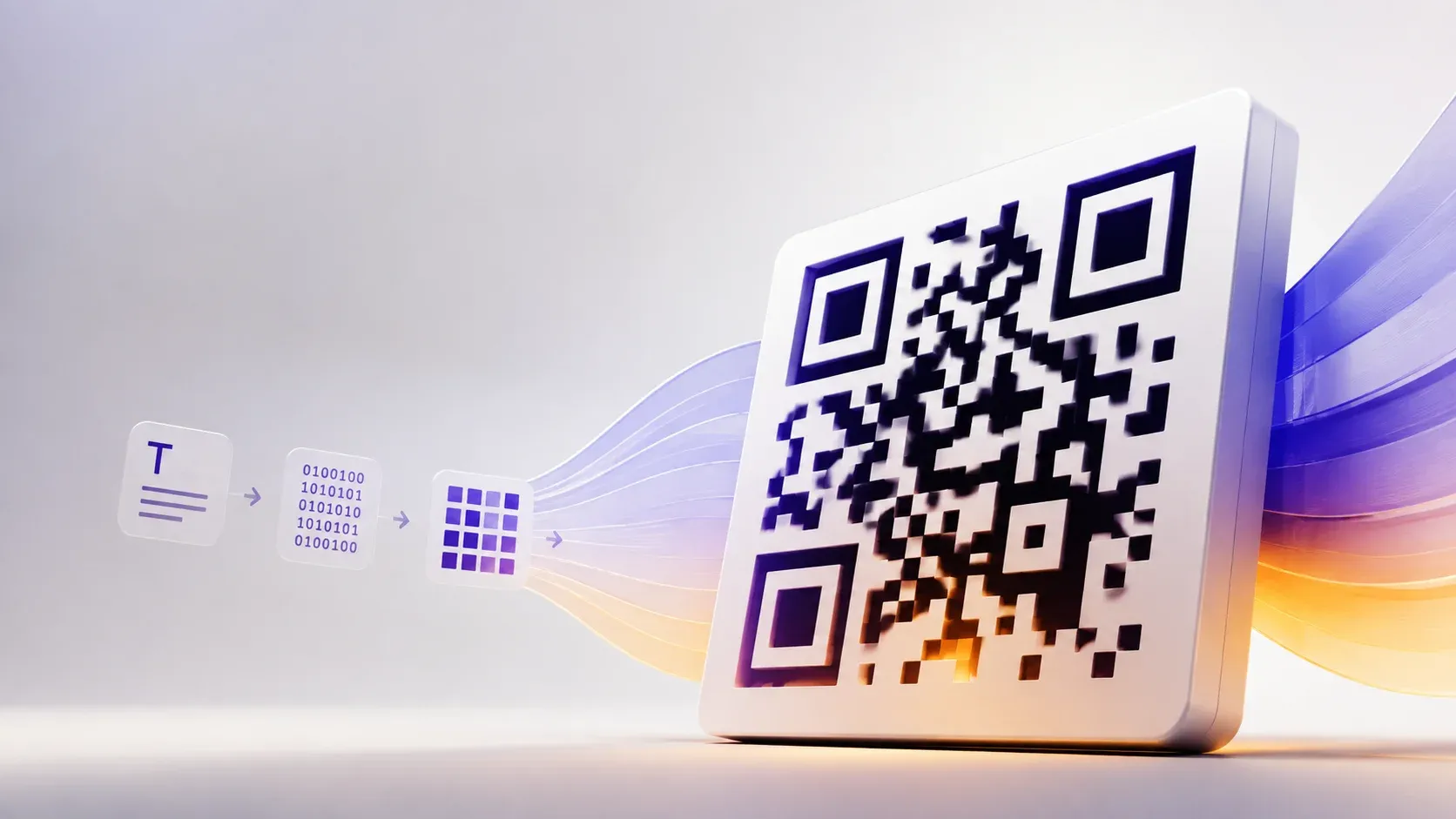
- QR codes pack data, error correction, and positioning aids into one module grid
- Corner finders let cameras locate codes at any angle
- Masking alternates dark and light so sparse data never creates dead zones
- We damaged real codes until they failed: higher correction survived 200 blotches, basic failed at 38
The pipeline: text in, pattern out
How do QR codes work? The short answer: a QR code is the visible end of a four-stage pipeline. The encoder first turns your text into bits using a mode matched to its content. Error correction then adds redundancy so damage becomes repairable. Placement next lays the bitstream into a grid of modules, the black and white squares, around mandatory positioning features. Finally a mask pattern flips selected modules so the finished symbol avoids pathological clumps. Denso Wave, which invented the format in 1994, designed each stage for the noisy reality of cameras and printed paper. Denso's history timeline credits that robustness for adoption beyond auto parts into every industry.
To ground the anatomy in something measurable, we generated a code for https://www.toolsura.com/ at correction level M and inspected its actual module grid:
Versions run from 1 through 40 with side length 4V+17 modules, and the code we generated with our QR code generator landed on version 4:
| Property | Measured value |
|---|---|
| Grid size | 33 x 33 data modules plus a 4-module quiet border |
| Dark modules | 544 of 1,089 in the symbol proper (50.0%) |
| Finder patterns | Three 7x7 corner targets, 147 modules total |
| Timing lines | 19 alternating modules per axis, 38 across both |
The anatomy of a scannable square
- Finder patterns: the three nested-square corners. Cameras hunt these first, establishing position, scale, and rotation, which is why codes scan sideways or crumpled
- Timing patterns: alternating lines between finders that reveal the module grid pitch, letting readers measure every other square's coordinates
- Alignment patterns: small extra targets appearing in larger versions, correcting lens distortion across the symbol
- Format information: a strip declaring the correction level and mask in use, itself protected by its own error bits
- Data and correction region: everything else, the payload interleaved with redundancy codewords
Denso Wave's own documentation anchors the format, and the Wikipedia QR code article diagrams each region across versions; the consistent design principle is that structure lives at fixed positions while data flows around it, so a reader always knows where to look before decoding anything.
Encoding modes: the format is smarter than it looks
Encoders choose among four segment modes: numeric, storing three digits per ten bits; alphanumeric, covering uppercase text with eleven bits per pair; byte mode for arbitrary text; and kanji for Japanese characters. A scanner-agnostic encoder mixes segments when it pays. The specification documents this capability with capacity tables, which is why the same sentence encodes differently across generators. The practical consequence: digits-only payloads encode dramatically denser than mixed text, and lowercase URLs cost more modules than uppercase ones, a trick some print designers exploit deliberately.
Error correction: the repair machinery
Reed-Solomon coding adds redundant codewords so readers can reconstruct missing regions. Denso Wave's error correction documentation defines four levels recovering roughly 7, 15, 25, and 30 percent of codewords, while Thonky's tutorial walks the underlying math. We tested the concept empirically rather than trusting percentages, painting random black blotches on real codes until scanners gave up, decoded with zbar through Python's pyzbar binding to its open-source core:
| Level | Blotches survived | Pixels repainted at failure |
|---|---|---|
| L | 38 | 1.4% |
| M | 72 | 2.0% |
| H | 200+, still decoding when the test stopped | 3.9% and counting |
The test paints black over both dark and light modules, a harsher model than real-world stains, and one random pattern among many, so treat the numbers as a demonstration of ordering rather than certified limits. The ordering is the point: correction level buys damage tolerance visibly, and the same tradeoff appears in our QR expiration guide where density costs scale identically.
Curious how QR compares with its one-dimensional ancestors? Our QR code vs barcode comparison covers when each symbology wins.
Masking: why no two codes look alike
Eight mask patterns exist, each a rule like flip modules where row plus column is divisible by three. Encoders score every mask against four penalty rules covering consecutive runs, oversized blocks, finder lookalikes, and unbalanced dark-light proportions, then keep the least offensive. Nayuki's QR implementation notes document the rules one by one, which explains why identical text from different generators often produces visibly different codes. Without masking, sparse payloads would leave vast blank regions that confuse grid clocking during scans. The format's history credits this stage, alongside ECC, for its scanning reliability on cheap cameras.
What happens in the instant you scan
- The scanner searches each camera frame for finder-pattern triples, locking on at any rotation
- It measures grid pitch from the timing lines and undoes perspective distortion
- Format information announces correction level and mask, and the reader strips the mask off
- The reader decodes codewords, corrects errors up to the level's budget, and emits your text
Try the loop yourself: generate anything with the text to QR code generator, scan it back with the webcam scanner, and damage the print with a marker to watch correction spend its budget. The image decoder reads codes from photos when no camera is handy.
How QR codes work: the takeaway
How QR codes work reduces to four cooperating ideas: content-aware bit packing, redundancy that turns damage into a solvable puzzle, fixed-position structure that makes any camera a reader, and masking that keeps the grid legible. Our measurements put real numbers on the tradeoffs, correction level versus density, damage tolerance versus payload, and the tools above make the whole system tangible in minutes.

Written by
Lior Ashkenazi
My framing is that a QR code is a fixed grid of modules with a structure, and most of the decisions are about which version and which error correction level you pick. The version is the grid size, from twenty-one modules square upward in steps of four. It bounds capacity, and it grows with the amount of data and with the error correction level, since correction is paid for in modules that could have carried data.
Error correction comes in four levels, and each recovers a stated fraction of the code. That redundancy is what lets a code read with part of it covered or printed badly, and it is also why a high correction level produces a denser code for the same content. The choice is a decision about the printing and handling conditions rather than about the data.
Encoding matters more than it looks. Text modes hold fewer characters than numeric or alphanumeric modes, and choosing the wrong one for the content wastes capacity. A URL in the numeric-looking case is a content error that produces an unscannable code rather than a warning. On decoding, the useful tools report the format, the error correction level and the version, and those three together usually explain why a code will not read.
I keep a note on which characters need escaping and on the practical limits, since a code holding a very long URL becomes hard to scan at any usable size. Print size is the last variable and the one most often ignored. A denser code needs a larger print to be read at a distance, so raising the error correction level can make a printed code unusable at the size it was designed for.