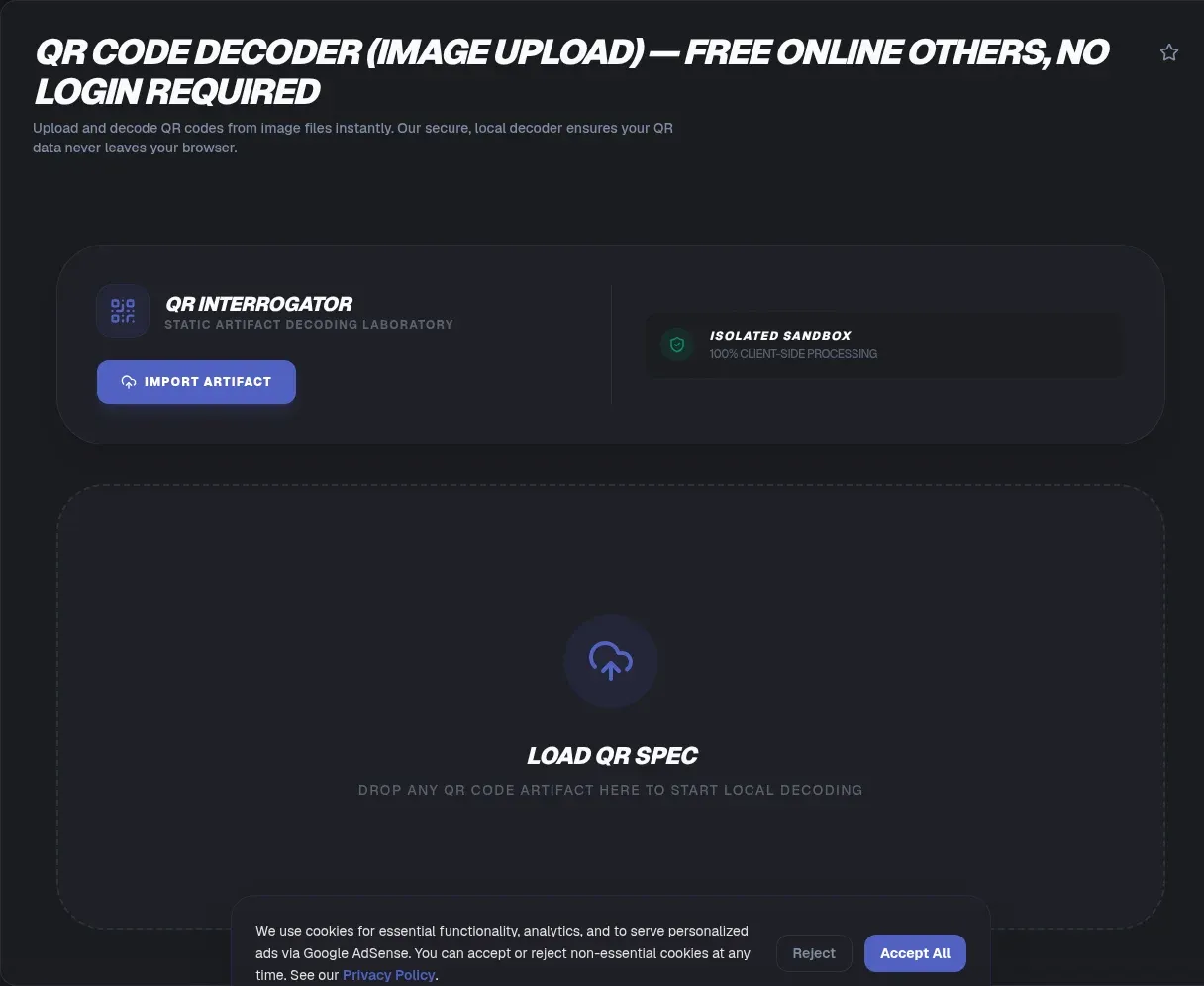
The ToolSura QR Code Decoder reads codes out of image files instead of through a camera. Drag and drop a picture, or select one from your device including your phone's gallery, and the decoded URL or text appears below the image, right in your browser, ready to copy or open Source.
It exists precisely for the moments a scanner cannot reach: codes inside screenshots, photos received in messages, images embedded in documents. No app installs, no account participates, and no live camera is involved per the page's positioning Source.
When an Image Decoder Beats a Camera
Camera scanners need the code physically present. Half of real-world codes are not: they arrive as attachments, sit inside PDFs you were sent, appear in product photos, or lurk in screenshots someone forwarded for exactly the question you now have. Pointing a phone at your own monitor works poorly; decoding the file directly works every time.
Archival use matters equally. Old flyers, saved tickets, and legacy marketing assets often contain the only copy of some destination, and an image decoder recovers those payloads years after any printed surface has vanished into recycling.
How Upload Decoding Works Here
The documented flow is minimal. Provide the image via drag-and-drop or the file selector; on mobile, the same button opens your gallery instead of the filesystem. Decoding runs against the uploaded image, and results display beneath it with click-to-copy convenience plus direct link opening where payloads turn out to be URLs Source.
That single-image simplicity defines the tool's scope deliberately: no batch queue, no history, no export pipeline. One picture goes in; its payload comes back out.
Supported Image Formats
Format documentation varies slightly between page sections, listing JPG, PNG, WebP, and BMP in one place while the FAQ names PNG, JPG, JPEG, GIF, and WebP in another Source. The safe summary: common formats including PNG and JPG work.
Practically this covers nearly everything you will encounter, since screenshots default to PNG and camera photos to JPG. Conversions rarely help when a decode fails; quality problems cause far more failures than container formats do.
Screenshots Are the Sweet Spot
Desktop screenshots deserve special mention because they capture codes under ideal conditions: no perspective skew, no motion blur, uniform lighting already baked into pixels. The FAQ explicitly confirms PC screenshot decoding works without any camera involvement Source.
Capture tightly around the code with a modest margin rather than cropping flush against the modules. QR patterns expect their quiet zone, the blank border that helps parsers find boundaries, and generous screenshots preserve it automatically where aggressive crops destroy it.
Handling Imperfect Codes
Real-world images blur, compress, and fade. QR's built-in Reed-Solomon error correction explains why many imperfect decodes still succeed: depending on encoding level, restoration can recover 7 percent up to 30 percent of damaged data bytes Source. That resilience absorbs compression artifacts and small scratches gracefully.
Beyond the correction ceiling, though, physics wins. The page's own guidance for failing images is crop closer or find higher resolution, since decoding needs legible modules at sufficient scale Source. Resizing small images upward adds pixels without adding information, so hunt for the original source rather than enlarging thumbnails.
Privacy Considerations for Uploaded Images
Here honesty requires quoting both statements the page makes. Its privacy claim describes local processing with images never transmitted to any server, while a separate FAQ answer hedges, saying images process locally whenever possible or get deleted from servers immediately afterward Source. Those phrasings differ, and the hedge deserves weight.
Practical guidance follows regardless of which statement governs any given moment: treat uploads as potentially leaving your machine. For codes containing nothing sensitive, ordinary caution suffices. For images embedding credentials, personal data, or confidential URLs, prefer tools and methods whose handling you can verify end to end.
The Mobile Gallery Workflow
Phones participate without cameras too. Per the FAQ, the browser upload button opens your gallery, so screenshots and saved images stored there decode through the same flow as desktop files Source.
This closes a common gap: codes received as images in messaging apps, where long-press menus sometimes lack scan options. Save the image, open the decoder, select from gallery, read the result. Three taps replace whatever contorted workaround you were about to attempt, and gallery images skip desktop round-trips entirely for codes that arrived on the phone itself.
What It Does Not Do
Scope boundaries come straight from the page: no batch decoding, no barcode types beyond QR, no video or PDF support, no paste-from-clipboard input, and no guarantee of success on blurry, low-contrast, or damaged codes Source.
For live scanning, the companion webcam tool covers the camera side; for generating codes in the first place, the text-to-QR generator pairs naturally. Knowing which sibling handles which case keeps expectations aligned with documented behavior rather than wishful coverage.
Reading Decoded URLs Safely
Decoding hands you text; judgment decides what to do with it. Read every decoded URL before opening: check the domain character by character for lookalike substitutions, hover or copy rather than click when possible, and remember that legitimate organizations rarely route customers through random shorteners inside unsolicited images.
The same scrutiny applies to decoded commands. WiFi strings, payment links, and app-store addresses all execute meaningful actions on your device once followed. A decoder gives you the inspection step cameras deny you; using that visibility is what turns a convenience tool into a safety tool Source.
Common Sources of Code Images
Inventory where code-bearing images actually come from and the decoder's value becomes obvious. Messaging apps forward screenshots containing payment and ticket codes. Marketplace listings photograph codes from packaging. Archived event materials preserve last year's schedules. Support documentation embeds setup codes nobody can scan from a printed manual photographed at an angle.
Each source shares one property: the code exists as pixels already, not as a physical surface requiring optics. That is precisely this tool's domain, complementing camera scanners which handle the physical half of the world instead.
A Quality Checklist Before Uploading
Three properties predict decode success before any upload happens. Resolution: modules should occupy several pixels each, so thumbnails and heavily compressed previews struggle while originals succeed. Completeness: all four finder squares plus quiet zone must survive cropping. Compression history: repeatedly resaved images accumulate artifacts that erode module edges.
When an image fails on all three, searching for a better original beats attempting rescues. Upscaling adds pixels without information; filters smooth away the very edges decoders measure Source.
Key Takeaways
- Image decoding reaches codes cameras cannot: screenshots, archived photos, forwarded files.
- Drag-and-drop or gallery selection feeds single-image decoding with copy-ready output.
- PNG and JPG cover typical inputs; quality and resolution matter more than container format.
- Error correction lets damaged codes decode, restoring up to 30 percent of bytes at the top level.
- Page privacy statements include a hedged server-processing clause; treat sensitive images accordingly.
Frequently Asked Questions
Can I decode a QR code from a saved photo?
Yes. Upload the image through drag-and-drop or the file selector, and the decoded content appears below it, ready to copy or open, per the tool's documentation. Saved photos, forwarded images, and downloaded graphics all follow the same path, making archives and message attachments readable again without any camera.
Does it work on desktop screenshots?
Explicitly yes. The FAQ confirms screenshot decoding from a PC works entirely without camera involvement. Screenshots are actually the ideal input since they carry no perspective distortion or lighting noise. Capture generously around the code so its blank margin survives, then upload and read the payload.
Which image formats does the decoder accept?
PNG and JPG are the constants across the page's sections, with WebP also listed and GIF or BMP appearing in one section each. Rather than memorizing the union, work with what screenshots and cameras produce by default, and convert exotic formats only if a decode unexpectedly fails.
Why did my blurry image fail to decode?
Decoding needs legible modules, and blur beyond the format's error correction defeats recovery. Those correction levels can restore meaningful damage, up to 30 percent of data bytes at the strongest setting per the standard's published rates, but they cannot reconstruct information the image never contained. Seek sharper originals or higher-resolution sources rather than enlarging what you have.
Is my image uploaded to a server?
The page makes two statements worth reading together: a general claim that images are never transmitted, and a hedged FAQ answer describing local processing whenever possible or immediate deletion from servers otherwise. Given that difference, apply standard caution with sensitive images, reserving such uploads for content whose exposure would cause no harm.
Can I use my phone's photo gallery?
Yes. Per the FAQ, the browser upload button opens mobile galleries directly, so saved screenshots and received images decode through the identical workflow as desktop files. This handles codes arriving inside messaging-app images, where built-in long-press scanning options are inconsistent across platforms and apps.
Does the tool support batch decoding or barcodes?
No. Scope is one image at a time and QR codes only, per the page's documented boundaries; video files, PDFs, and traditional one-dimensional barcodes fall outside it. For camera-based live scanning, the companion webcam scanner covers that side of the workflow instead.
Related Tools
Pair the decoder with its siblings:
- QR Code Scanner Webcam handles live camera decoding.
- Text to QR Code Generator creates codes to verify.
- Image Resizer preps oversized uploads.
- URL Encoder/Decoder unpacks decoded parameters.
- PNG/JPG Compressor manages archive sizes.
- Word Counter sizes decoded messages.When a decode succeeds, close the loop deliberately: record what the payload was alongside where the image came from. Patterns across multiple codes from the same sender reveal intent quickly, whether that is a legitimate campaign or a coordinated attempt worth reporting.For teams handling code-bearing imagery regularly, standardizing capture practice pays dividends: full-bleed screenshots at native resolution, saved losslessly when possible, named by source and date. Every decoder session then starts from material worth decoding rather than forensic reconstruction of whatever the last forwarding chain produced.And for anything recurring, save the decoded payload itself rather than the image: text survives forwarding chains perfectly, while every generation of image compression erodes the pattern a little further toward unreadability.Between image sources, quality checklists, and careful reading of results, the workflow becomes second nature quickly: upload, read, decide. The decoder's job ends at revealing content; everything after that benefit belongs to whatever judgment you bring to it, which is exactly how tools handling untrusted input should work.Keep it within reach and every code that crosses your screen, whether born as pixels or printed on paper years ago, becomes readable text again in seconds.