
Comparing QR codes and barcodes: capacity, damage, and cost
· 5 min read
QR code vs barcode with measured tests: the same URL took 1,496 bytes as a QR versus 7,531 as a Code 128 barcode. Capacity, damage, and use-case picks.
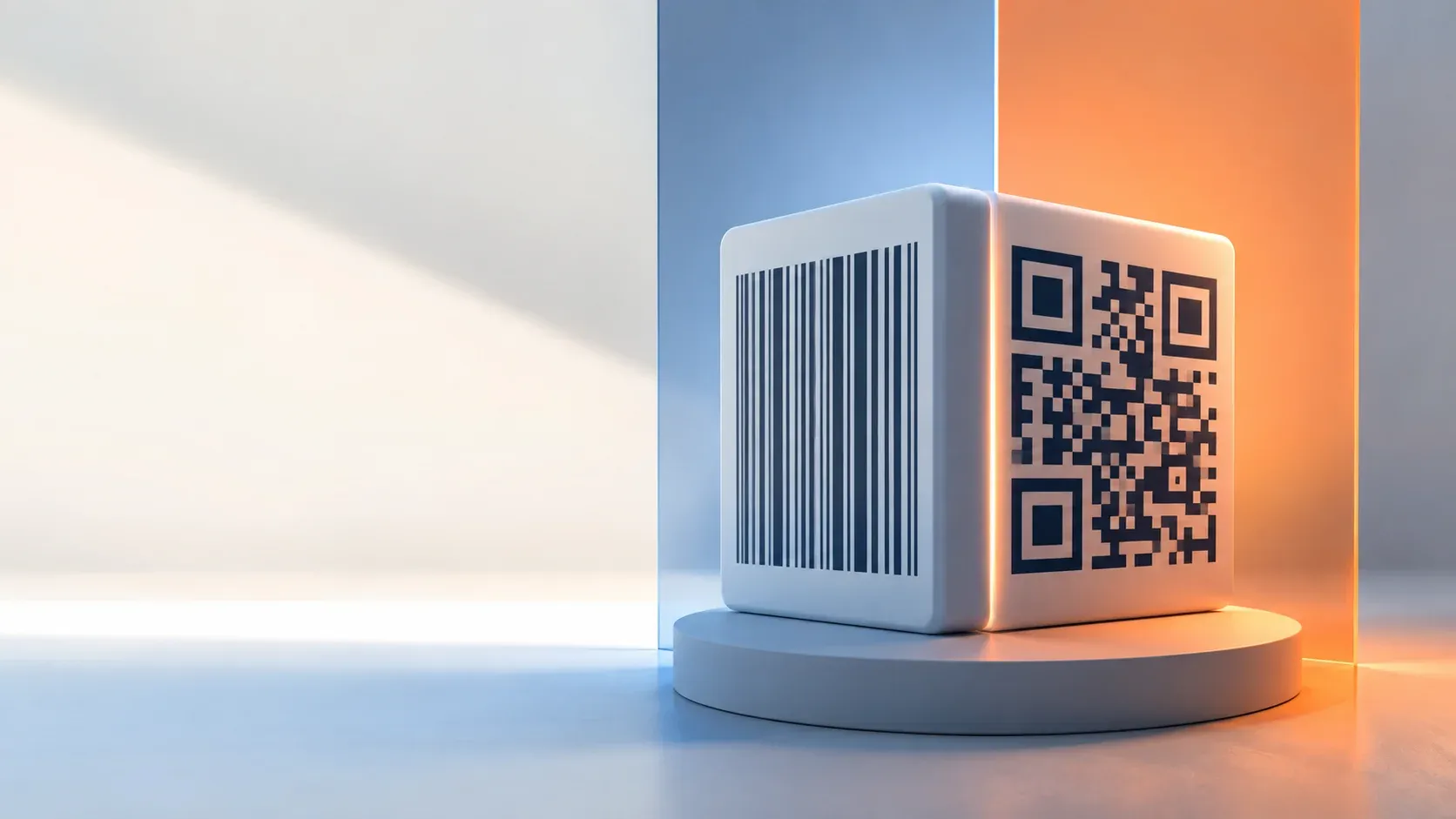
- Linear barcodes encode tens of characters; QR codes hold thousands and self-correct damage
- We encoded one identical URL both ways: the QR was five times smaller in bytes
- Retail stays linear because lasers scan them faster at checkout speeds
- Both formats decode with the same phone camera; the choice is data and context
One dimension versus two
A traditional barcode stores data in the widths of parallel lines read left to right, a scheme whose history runs from mid-century railroad freight trials to the famous Wrigley's pack scanned in 1974, with dozens of linear variants standardized since. A QR code stores data across two dimensions of square modules, adding built-in error correction, a design Denso Wave introduced in 1994 for tracing auto parts and later opened royalty-free to the world. That dimensional difference drives every practical distinction between them. The QR code vs barcode question is really about which of these two storage models fits the job.
Same payload, both formats, measured
To replace folklore with numbers, we encoded the identical URL into a Code 128 linear barcode and a QR code at correction level M, then measured:
| Property | Code 128 | QR (ECC M) |
|---|---|---|
| Image dimensions | 792 x 280 px | 330 x 330 px |
| PNG file size | 7,531 bytes | 1,496 bytes |
| Damage tolerance (blotch test) | Failed after 126 marks | Failed after 93 marks |
We ran both formats through the same pipeline on this machine, decoded with zbar through Python's pyzbar binding to its open-source core. The size result is decisive: for the same text, the two-dimensional symbol packed into a fifth of the file size, small enough to fit where barcodes cannot. The damage row needs honest reading: our blotch count favors the barcode partly by accident, since its much larger canvas makes each random mark relatively smaller. Normalizing by repainted pixel fraction, the QR tolerated more of its own surface before failing, consistent with its built-in Reed-Solomon repair described in our QR mechanics guide. Linear symbologies carry no such redundancy; a torn stripe region usually kills the read.
QR code vs barcode capacity: orders of magnitude apart
| Format | Practical capacity |
|---|---|
| EAN-13 (retail) | 13 digits, fixed structure |
| Code 128 (logistics) | Roughly 20-50 characters comfortably |
| QR code | Up to ~4,296 alphanumeric characters |
Capacity explains ecosystem roles more than marketing ever will; the EAN-13 specification makes the low end explicit: a GS1 product identifier never changes and fits exactly thirteen digits, so retail optimized decades ago around linear scanning physics. Web links, boarding passes, tickets, Wi-Fi credentials, and payment payloads need hundreds of characters plus resilience, which only two-dimensional symbologies provide economically.
Scanning hardware: the real reason retail kept lasers
Linear laser scanners sweep a beam across bars at remarkable speed, reading through plastic wrap and at odd angles without needing to focus an image, which keeps grocery queues moving at scale. Camera-based decoding handles both formats but requires focus and light, historically slower on conveyor belts, a tradeoff Denso's format pages acknowledge in their adoption story. Phones changed the consumer side entirely: one camera reads both symbologies, so customer-facing uses converged on QR while supply-chain infrastructure stayed linear for sound economic reasons rather than technical superiority.
Error correction: built in versus absent
QR embeds Reed-Solomon redundancy at four selectable levels, recovering up to roughly thirty percent damage. Denso Wave's error correction page documents each level. Standard linear barcodes include only a check digit that detects single-character misreads without correcting anything; damaged labels get reprinted, not repaired. For environments where labels face weather, abrasion, or grease, that architectural gap decides the format question by itself.
Choosing between them
- Retail point-of-sale identifiers: stay linear, EAN/UPC, because the entire scanner fleet expects it
- Warehouse and logistics labels: Code 128 remains standard, often paired with 2D codes on the same label
- Consumer engagement, menus, payments, tickets: QR, universally scannable and damage-tolerant
- Long URLs or structured payloads like vCards: QR exclusively, since capacity rules everything here
- Printing your own: generate QRs with the text to QR generator, batch them via the batch tool, verify prints with the decoder; barcodes need a dedicated barcode generator
The barcode world's standards catalogs show how many linear variants exist for niche logistics cases; new projects should default to the two dominant choices above unless a trading partner dictates otherwise.
QR code vs barcode: different tools for different shelves
QR code vs barcode is not a contest with a loser. Linear symbologies remain unmatched for high-speed fixed-data scanning on decade-old hardware, while QR owns everything needing capacity, damage recovery, or a phone camera. Our measurements put concrete numbers behind the intuition: fivefold size efficiency and repairable damage on the QR side. The decision reduces to asking what data you carry and what hardware reads it.

Written by
Lior Ashkenazi
My framing is that a QR code is a fixed grid of modules with a structure, and most of the decisions are about which version and which error correction level you pick. The version is the grid size, from twenty-one modules square upward in steps of four. It bounds capacity, and it grows with the amount of data and with the error correction level, since correction is paid for in modules that could have carried data. Error correction comes in four levels, and each recovers a stated fraction of the code. That redundancy is what lets a code read with part of it covered or printed badly, and it is also why a high correction level produces a denser code for the same content. The choice is a decision about the printing and handling conditions rather than about the data. Encoding matters more than it looks. Text modes hold fewer characters than numeric or alphanumeric modes, and choosing the wrong one for the content wastes capacity. A URL in the numeric-looking case is a content error that produces an unscannable code rather than a warning. On decoding, the useful tools report the format, the error correction level and the version, and those three together usually explain why a code will not read. I keep a note on which characters need escaping and on the practical limits, since a code holding a very long URL becomes hard to scan at any usable size. Print size is the last variable and the one most often ignored. A denser code needs a larger print to be read at a distance, so raising the error correction level can make a printed code unusable at the size it was designed for.