
Comparing passkeys and passwords for account security
· 10 min read
Passkeys vs passwords compared honestly: 128-bit keys vs 47-bit passwords, origin binding that stops phishing, recovery caveats, and migration steps.
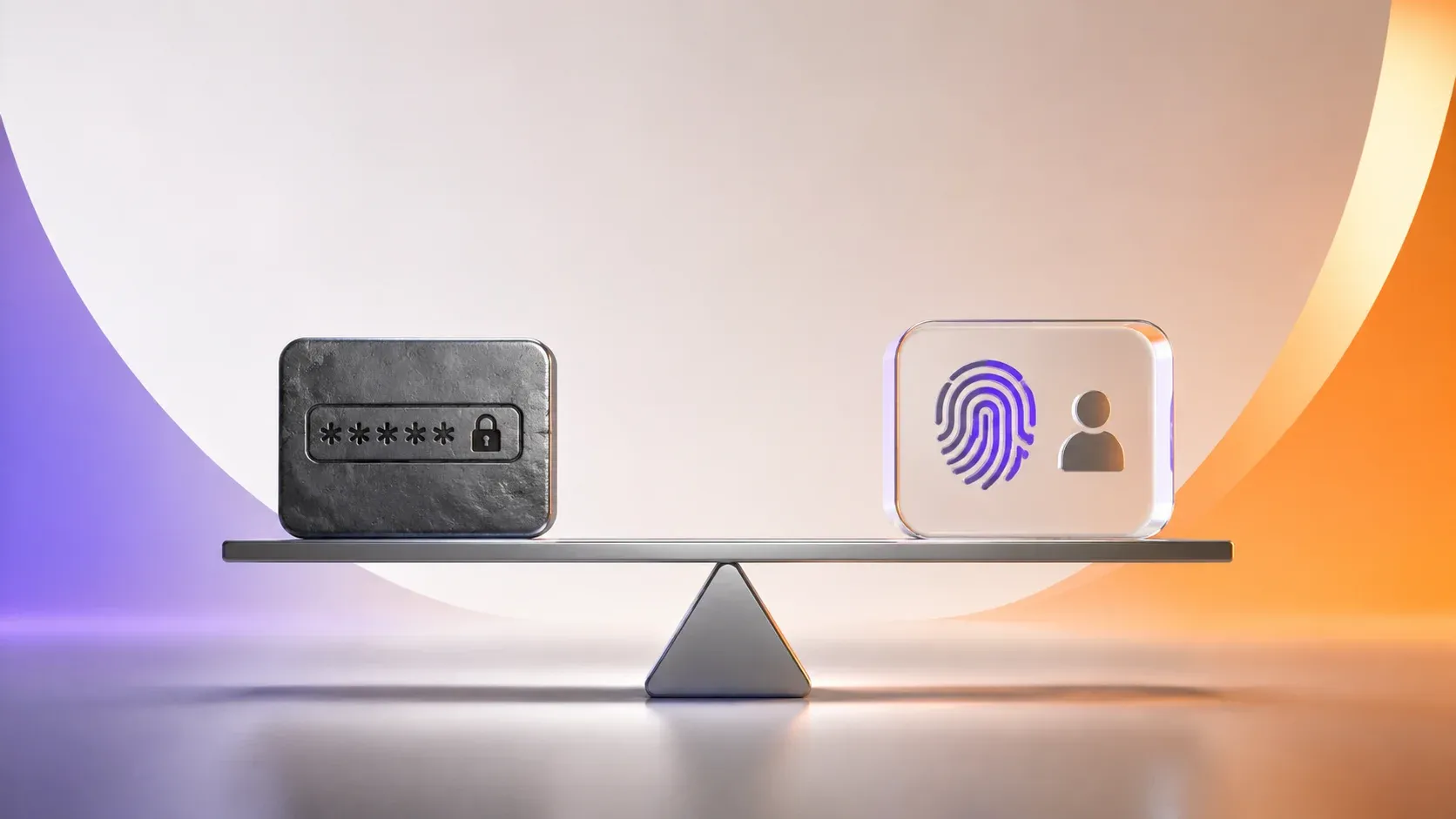
The passkeys vs passwords question stopped being theoretical. A FIDO Alliance-commissioned survey found 53% of people have enabled passkeys on at least one account (FIDO Alliance, 2024), and 5 billion passkeys are now in active use worldwide (FIDO Alliance, 2026). Yet passwords still guard most logins, and more than 24 billion username and password combinations circulate on the dark web, up 65% since 2020 (Digital Shadows via FIDO Alliance, 2023). Here is how the two schemes actually differ, what each one defends against, and where passkeys still fall short.
- Passkeys replace shared secrets with public-key cryptography per WebAuthn Level 3, a W3C Recommendation since August 2026
- Sites never store passkey secrets, so database breaches cannot leak reusable credentials
- Phishing loses its teeth: origin binding makes fake domains receive no signature at all
- 5 billion passkeys are in active use, yet 22% of people have enabled them everywhere they can (FIDO Alliance, 2024)
- Passwords persist for portability; account recovery becomes the new weak point
The core difference: shared secret versus key pair
A password is a shared secret: you type it, the server checks a hash of it, and everyone with the hash lives or dies by it staying secret. That arrangement carried the internet for decades. It also created the entire industry of credential stuffing, because one leaked hash becomes thousands of valid logins wherever the password was reused.
What is a passkey?
A passkey is a key pair created on your device per WebAuthn Level 3, a W3C Recommendation since August 25, 2026: the site stores only your public key while your private key stays under your control, whether sealed inside one device's secure enclave or synced through your platform's cloud. Sign-in becomes a challenge the device signs, which the server verifies against its public record. Ceremony steps are defined across the specification, which replaced Level 2 as the reference standard with no substantive changes since the May 2026 candidate snapshot. For a gentler walkthrough of the concept itself, see our passkeys primer.
As steward of the ecosystem behind the standard, the FIDO Alliance frames this as eliminating the password problem class rather than hardening it. This distinction matters: stronger password rules still leave reuse, phishing, and breach exposure intact; key pairs remove those failure modes structurally.
Passkeys vs passwords head-to-head
Scan the rows and one pattern repeats: passkeys win by deleting failure modes rather than by policing user behavior. Each row rates one scheme against the attacks that matter most, not the ones vendors like to advertise.
| Threat or friction | Passwords | Passkeys |
|---|---|---|
| Database breach exposes credentials | Hashes cracked offline at scale | Only public keys leak; useless alone |
| Phishing sites harvest logins | Effective; users type anywhere | Bound to origin; fakes fail cryptographically |
| Credential reuse across sites | Rampant and compounding | Unique pair per site by design |
| User memory burden | Dozens of unique secrets | None beyond device unlock |
| Device loss | Inconvenient; reset via email | Recovery depends on sync or backup flow |
Password strength stays measurable even where it fails: entropy math assigns each scheme a concrete guess-resistance figure, computed as log2 of the keyspace.
| Scheme | Bits |
|---|---|
| 8 random alphanumeric characters | 47.6 |
| 4-word passphrase from the EFF large wordlist | 51.7 |
| 12 random alphanumeric characters | 71.5 |
| 6-word passphrase from the same list | 77.5 |
| A passkey's underlying P-256 key | 128 |
Even the best human-manageable password tops out far below the cryptographic floor a passkey enforces by construction, which is why reuse and resets dominate real-world incidents. That gap is not a rounding error. In concrete terms, a 128-bit key has roughly 2^80 times more guess-resistance than an 8-character password, and no amount of user discipline closes it.
How far has passkey adoption actually reached?
Adoption crossed from early-adopter territory into the mainstream during 2025. Per the FIDO Alliance, 5 billion passkeys are in active use as of May 2026 (FIDO Alliance, 2026), and an independent survey it commissioned found 53% of people have enabled passkeys on at least one account while 22% enable them on every account they can (FIDO Alliance, 2024).
Password friction keeps pushing the shift. In the same research, 48% of people abandoned an online purchase simply because they forgot a password, and 36% have had at least one account compromised because of passwords (FIDO Alliance, 2025). Against that backdrop sit the 24 billion credential pairs already circulating on the dark web (Digital Shadows via FIDO Alliance, 2023). Every one of those pairs is a working key until the account behind it changes.
Vendors report measurable UX wins too. Amazon measured 6x faster sign-in with passkeys, Google saw 4x sign-in success versus passwords, and passwordless environments recorded an 81% reduction in login-related help-desk incidents (FIDO Alliance, 2026). Faster and safer at once is a rare combination in security. Support is no longer fringe: GitHub, Google, Apple ID, PayPal, and Shopify all ship it, and 1Password maintains a community-driven directory of supporting sites.
For a single account holder, the numbers are a floor, not a ceiling: most people reading this can enable passkeys today on the services they use most, and the survey suggests half the population already has. Laggards are predictable, though: banks, government portals, and internal enterprise tools, which is exactly where password hygiene still earns attention.
Why phishing collapses against origin binding
Browsers sign WebAuthn challenges only for the domain that created the credential, as the MDN Web Authentication API reference details. A perfect visual clone of your bank at evil-bank-login.example simply receives no signature: the browser refuses because the origins differ. Compare that with passwords, where an identical-looking page harvests whatever victims type. passkeys.dev documents this origin-binding across browsers. This single property deletes credential phishing as a viable mass attack, which is why adoption accelerated once Apple, Google, and Microsoft coordinated their rollouts in 2022.
One honest nuance belongs here. Origin binding defeats conventional phishing completely, but a real-time proxy relaying the actual origin's traffic is the documented research frontier, which is why the spec layers rpIdHash verification, user verification, and, for hybrid cross-device flows, proximity checks. Defense in depth covers the residual case. OAuth fights the same interception problem with PKCE, another instance of replacing a shared secret with a per-session proof an interceptor cannot replay.
What actually happens inside a WebAuthn ceremony?
Under the hood, the exchange is a short, fully specified dance. First, the server sends a challenge that MDN describes as cryptographically random and at least 16 bytes in size. Next, the browser checks the relying party ID against the page's origin, where MDN notes it must match the origin or be a domain suffix of it. Then the authenticator signs, and the server verifies. Four data fields carry the security weight, and each one maps to a specific failure mode.
WebAuthn actually defines two ceremonies. Registration creates the credential: the authenticator generates a fresh key pair scoped to that site's relying party ID, returns the public key plus an attestation statement, and the server stores it against your account. Authentication then proves possession: the same key signs the server's challenge, and no secret travels in either direction. That separation explains why losing a device does not compromise your accounts, only your access to them.
- The challenge (at least 16 random bytes): a fresh, unguessable value per attempt, so a captured signature from one session cannot be replayed in another
- The 32-byte rpIdHash: the SHA-256 hash of the relying party ID inside every signed response, which the server checks to block phishing and man-in-the-middle relays; this field is the mechanical reason the phishing section above collapses (MDN, authenticator data)
- The flags byte: UP marks user presence, UV marks user verification, and BE and BS record whether the credential is backup-eligible and currently backed up; UV is how the "something you are" check stays local to your device and never travels as a biometric template
- The 4-byte signature counter: an incrementing value the server tracks, so a cloned credential producing out-of-order counters gets flagged as a cloned credential
Signature algorithms come from the COSE registry, and MDN recommends including at least -8 (EdDSA), -7 (ES256), and -257 (RS256), ordered by preference. Notice the pattern across all of it: the server verifies a signature over data it can independently reconstruct, which is the same property that makes JWTs work. Proving possession beats transmitting a secret, every time. You can inspect the structure yourself with our JWT decoder.
The honest caveats
- Recovery is the new frontier: losing every synced device without recovery paths locks you out; providers now compete on account recovery quality, so choose platforms accordingly
- Synced versus device-bound: platform-synced passkeys replicate through Apple or Google clouds (Apple, Google), while some enterprises issue strictly device-bound credentials that never leave the secure enclave; the trade-off is convenience against single-device lockout risk
- Portability is improving but uneven: the FIDO credential exchange specs aim to fix the lock-in problem, and CXF 1.0 has reached Proposed Standard status (errata March 2026) while CXP 1.0, the protocol for moving credentials between providers, remains a Working Draft (FIDO Alliance, 2026); Apple already ships import and export between password managers plus third-party sync providers, so real transfer works today while the cross-provider protocol layer is still draft-stage
- Ecosystem dependence: sync runs through Apple, Google, Microsoft clouds, or a dedicated credential manager such as Bitwarden, trading one trust relationship for another
- Shared devices: kiosks and borrowed machines handle passkeys awkwardly; cross-device sign-in flows help but require both parties online
- Legacy everywhere: government portals, banks, and enterprise tools lag, keeping passwords unavoidable for years
None of these restore the case for passwords; they describe where engineering attention shifted. Security reviews now weigh recovery-flow quality and portability alongside cryptography strength, a healthier debate than password policy length arguments.
What migration looks like in practice
- Sites offer passkey creation after password login, registering your device through the browser's built-in flow
- Platform sync propagates credentials across your devices automatically within each ecosystem
- Password login typically remains available during transition, ideally protected by additional factors
- Organizations phase by audience: internal staff first, then consumer accounts as client support matures
On the enterprise side, Microsoft Entra ID supports both synced passkeys and device-bound passkeys stored on FIDO2 security keys or in Microsoft Authenticator, in every edition including Free, and passkey profiles let admins enforce attestation and device-bound versus synced credentials per group (Microsoft Learn, 2026).
Deployment guidance comes from the FIDO Alliance alongside NIST SP 800-63B-4, final since July 2025, whose password rules passkeys render largely obsolete. That revision formally supersedes SP 800-63B, so any guidance citing the older document is out of date, and the direction is unambiguous even where timelines vary by industry.
Passkeys vs passwords guidance by role
- Individual users: enable passkeys wherever offered, keep one strong password method for stragglers, and set up recovery before you need it
- Product teams: ship passkeys alongside existing auth, measure enrollment, and study recovery UX as seriously as sign-up UX
- Security reviewers: evaluate recovery flows, portability assumptions, and ecosystem dependence, not just algorithm choices; test cross-device scenarios explicitly
For exploring authentication tooling hands-on, our OAuth demo playground shows how token-based authorization complements these identity mechanisms.
A structural fix beats a behavioral plea
Passkeys versus passwords ends where security architecture usually does: designs that make the safe path automatic outperform policies demanding eternal vigilance. Passkeys delete phishing value, breach value, and memory burden in one cryptographic stroke, leaving recovery design as the remaining battleground. Standards caught up in 2026, with WebAuthn Level 3 as the reference specification and NIST 800-63B-4 final, so the groundwork is settled. Adopt passkeys wherever they are offered, build them into products you ship, and let the password fade into the recovery flow where it belongs.

Written by
Priya Venkataraman
I write about browser security: the response headers, cookie attributes and transport rules that decide what a page is allowed to do once it has loaded. My beat is the practical side of that subject. What a policy is for, how a browser treats it when it is wrong, and how to tell whether a header copied from a tutorial does anything at all. I start from the specification rather than the summary.
A Content Security Policy read from MDN and one read from the CSP Level 3 grammar are different documents, and the gap between them is where most header advice goes wrong. Before I write anything on a directive I check its syntax, whether browsers enforce it, and what happens when the header is present and ignored. A header that appears in a scanner report and changes no browser behaviour scores exactly the same as one that blocks a nonce, and I treat that gap as the entire problem. Cookies get the same attention.
Secure and HttpOnly are the two everybody knows. SameSite carries three values with different behaviour on a top-level cross-site navigation, and Domain against Host-only decides whether a subdomain can read a value that was never meant for it. I cover the attributes next to the path and lifetime questions, because the attribute set and the scope choice interact in ways that surprise people. I am direct about what a header checker cannot do. No static tool reads your application, so none of them can tell me whether a nonce is unpredictable, whether a source list has quietly widened until it permits everything, or whether the policy deployed matches the one in version control.
Those need somebody reading the code. My write-ups name the question when the tool cannot answer it, and say which question to ask instead. Every page in this section states the browser behaviour it depends on, and says where that behaviour differs between engines. Where support is partial I name the browsers and roughly the version, because a header working in one engine is a policy choice rather than a repair.