
What a free browser PDF editor can and cannot do
· 6 min read
Free browser PDF editing reviewed honestly: private client-side annotation, the text-rewriting boundary, and an 87% recompression win measured locally.
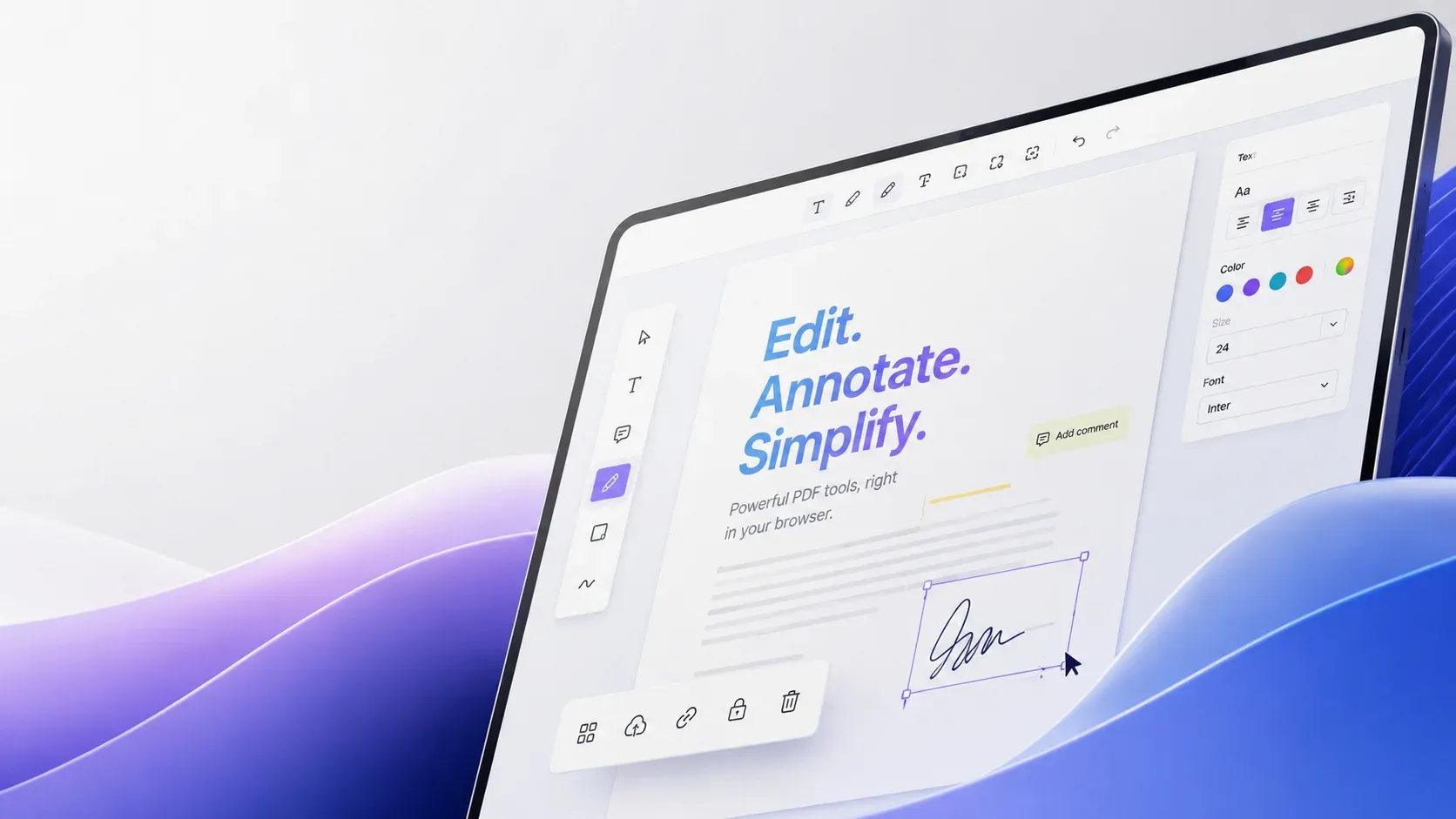
- Browser-based editors now handle annotation, form filling, and page surgery without installs
- Privacy comes from architecture: client-side tools upload nothing
- Text reflow editing inside existing PDFs remains the hard boundary of free tools
- One annotator, one merger, one compressor: together they cover most real document tasks without subscriptions or uploads
What free PDF editing actually means in 2026
The PDF earned its reputation as the format that preserves layout exactly everywhere. That property traces back to the PostScript lineage Adobe's own history covers: print fidelity drove every design decision in the early nineties. That same fidelity makes editing hard: a PDF is a display instruction set, not a flowing manuscript. Anyone choosing a free online PDF editor runs into three honest capability tiers, and knowing which tier a task needs prevents an hour of tool-hopping.
| Tier | Capabilities | Typical quality today |
|---|---|---|
| Annotate and mark up | Highlights, drawings, text boxes, stamps, signatures | Excellent; fully mature |
| Structural edits | Merge, split, rotate, delete, reorder pages | Excellent; lossless operations |
| Content rewriting | Editing paragraphs inside existing flows | Poor to fair; expect reflow damage |
The privacy case for client-side editing
Server-based free editors upload your entire document, process it remotely, and return a download, which means contracts, medical letters, and invoices transit machines you know nothing about. Client-side editors load JavaScript into the tab and perform every operation on local memory, so files never leave the device, verifiable in the network panel during use.
The format's ubiquity, documented across the PDF software ecosystem, makes this privacy question relevant to nearly every office. For anything confidential this single architectural difference outranks feature lists.
ToolSura's suite follows the client-side model throughout: open the PDF annotator, drop a file, and watch the network tab stay silent while markup tools activate. The same pattern holds for the PDF merger and splitter and the PDF compressor, letting complete workflows finish without a single byte uploaded, which is how the format's portability promise extends naturally to privacy.
Three real workflows with the right tools
- Reviewing a contract: annotate with highlights and margin notes in the annotator, then flatten or share with comments intact; annotation suits review cycles precisely because the base pages never change
- Assembling a submission: three steps in the browser
- Merge cover letter plus forms in the PDF merger and splitter
- Reorder pages by dragging until the sequence matches the checklist
- Compress before email attachment limits bite
- Saving a web page permanently: print or generate with the HTML to PDF converter, then annotate the snapshot for archiving
Format conversions round out the loop when Word sources are involved. Our compress without losing quality guide measures what compression settings actually cost visually. The merge guide covers structural surgery honestly, including where ToolSura's own tools fit.
The content-rewriting caveat, stated plainly
Free tools disappoint precisely at paragraph rewriting. Editing text inside a PDF means either overlaying white boxes with new text, which scrambles search results and overlaps neighboring lines, or regenerating the document from source, which requires the original file. Desktop suites reconstruct fonts and flows expensively; free browser tools sensibly refuse to pretend.
Flattening deserves one plain sentence too: it bakes annotations and form fields permanently into page contents, so comments stop being deletable and fields stop being fillable. When genuine content changes matter, the professional move is returning to the source document, editing there, and exporting a fresh PDF, keeping the annotated original alongside for comparison.
This limitation is inherent to the format rather than any vendor's stinginess. The Wikipedia PDF overview details how text, vector graphics, raster images, and fonts interleave in arbitrary order inside a file. The ISO 32000-1 specification defines that structure formally. That formal structure is why naive text substitution scrambles spacing and why full editors cluster in paid desktop territory.
What the operations cost on a real file
Ratings deserve receipts, so we timed the underlying operations locally rather than trusting marketing pages. Twelve single-page documents totaling about 50 KB merged into one file in 16 milliseconds through Python's pypdf, and in 35 milliseconds through poppler's pdfunite. Output sizes stayed identical within rounding. Splitting the merged file back into twelve singles took 14 milliseconds.
Recompression is where real gains live. A 60-page text-heavy report generated with deliberately uncompressed streams weighed 381 KB and dropped to 48 KB, an 87% reduction, once qpdf regenerated object streams under full compression.
| Operation | Input | Result |
|---|---|---|
| Merge 12 files | 12 pages, about 50 KB | 16 ms pypdf, 35 ms pdfunite |
| Split into 12 singles | 12-page merged file | 14 ms |
| Recompress text report | 60 pages, 381 KB | 48 KB, down 87% |
Browser tools perform the identical class of work on top of engines like pdf.js and pdf-lib. Structural operations are byte-shuffling measured in milliseconds; compression gains depend on how bloated the source was.
Choosing a free online PDF editor by task
| Task | Right approach |
|---|---|
| Sign, highlight, comment | Client-side annotator in the browser |
| Reorganize pages across files | Merger and splitter, lossless |
| Shrink for upload limits | Compressor, checking visual results per our compression measurements |
| Rewrite body text | Edit the source document instead |
| Fill interactive forms | Any modern browser viewer natively |
The wider free field in 2026
The honest comparison set beyond this site's stack is small. Adobe Acrobat Online handles viewing, commenting, and light edits free, reserving heavier manipulation for subscriptions. PDF24 gives away desktop-grade editing with no subscription wall. Freemium services like iLovePDF and SmallPDF sit between those poles; our hands-on takes cover iLovePDF alternatives and SmallPDF alternatives in detail. What separates genuinely client-side tools from hosted rivals stays constant across all of them: files that never upload cannot leak from a server.
Free, private, and honest about boundaries
A mature free online PDF editor now covers everything short of paragraph surgery like a desktop suite: annotation is excellent, structural edits are lossless, compression is measured rather than guessed, and client-side processing keeps confidential files home. Accept the rewriting boundary, route those jobs back to source documents, and the free stack handles the rest of real document life without subscriptions or uploads.

Written by
Ahmed Zaki
My framing question is always what has to survive the conversion, because a PDF has no single correct output. To Word, the hard part is structure rather than glyphs. A PDF stores the positions of characters that have already been drawn, so the extractor has to reconstruct paragraphs, lists and tables from coordinates. It gets this right most of the time for prose and rarely for tables, because a table is a grid of positioned fragments and no reliable signal says which fragments belong together.
To HTML you have a choice that matters more than the converter you pick. Render the page as an image and you get a perfect visual match with no selectable text and no accessibility. Extract the text and you get selectable, accessible, reflowable output that will not look like the original. Trying to get both is the real project.
To images the decision is resolution. Rendering at screen density looks sharp on a screen and soft in print. Rendering at print density produces files nobody wants to email. I cover the scale factor and what it does to file size.
Fonts are the recurring cause of mangled output. A document using a font the converter does not have gets substituted, and the substitution changes metrics, which reflows the page. There is no universal fix, but there is a check: compare the page count before and after. Everything here runs locally, and I say so on every page, because a document leaving a device is the thing people most want to avoid when the file contains what the filename suggests it contains.