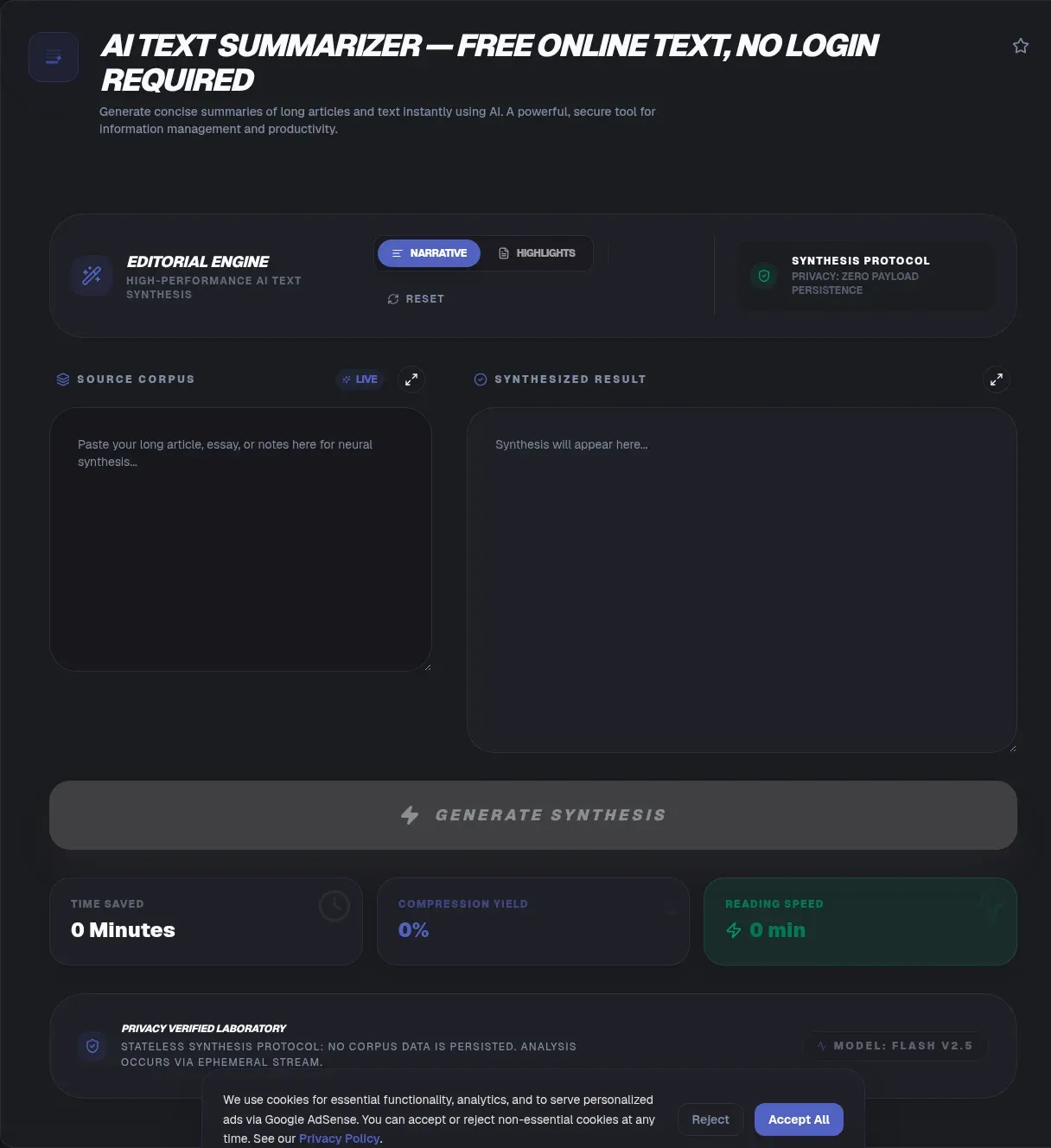
The ToolSura AI Text Summarizer condenses articles, reports, and papers into their most important sentences without any text leaving your device. Paste content or load a local .txt or .md file, choose a summary length, and receive the top-ranked sentences extracted verbatim from your source, all in your browser Source.
The page is unusually precise about what powers the process: "The model is the classic TextRank algorithm, not a remote chatbot," running client-side inside a Web Worker so no network call ever touches your text Source.
Extractive Versus Abstractive Summarization
Two fundamentally different approaches exist under the summarization umbrella. Abstractive systems generate new phrasing, paraphrasing and fusing ideas the way a human rewrite would. Extractive systems select existing sentences verbatim, ranking source material and returning its strongest members unchanged.
This tool deliberately chooses extraction. The page acknowledges the trade-off directly: verbatim output "can feel choppy" because sentences were written to flow differently than summary stitching allows Source. What extraction buys in exchange is fidelity: every word in the summary provably appeared in your original document, which matters enormously for legal, medical, and research contexts.
How TextRank Ranks Your Sentences
TextRank adapts PageRank's insight to prose: importance is connectivity. The algorithm builds a graph where sentences become nodes and shared content becomes edges; sentences connecting strongly to many others earn high ranks, exactly as authoritative pages earn links across the web.
The top-ranked nodes return as your summary. Because ranking happens over structure rather than vocabulary matching alone, TextRank captures sentences that represent the document's center of gravity rather than merely repeating frequent phrases, per the method description on the tool page Source.
Determinism: Same Input, Same Output
Generative systems vary run to run, producing different summaries from identical inputs and making verification awkward: which output was right? This summarizer takes the opposite stance, documenting that "the same input yields the same output every time" Source.
Determinism transforms the tool from novelty into infrastructure. Teams can cite summaries knowing colleagues regenerate identical ones. Workflows can embed summarization steps knowing reruns change nothing. Reproducibility sounds mundane until you have chased a bug through a system that refuses to misbehave twice the same way.
Why Local Processing Matters Here
The privacy argument arrives with citations on this page, which references workplace studies by LayerX and Cyberhaven finding employees regularly paste sensitive data into generative AI tools Source. Contracts, patient notes, legal drafts, unreleased financials: summarization requests are precisely where such material flows toward cloud models by accident.
Local extraction removes that exposure category entirely. The documentation states plainly that there is "no upload, no signup, and no server in the loop," with source text never stored or sent Source. For confidential documents, architecture replaces policy promises as the guarantee.
Choosing Summary Length
An adjustable sentence count lets you match compression to purpose rather than accepting one fixed ratio. Three-sentence summaries serve quick relevance checks; longer extractions preserve nuance for readers who will never open the full document but need its substance.
The honest guidance: start short, expand only if critical sentences feel missing. Extraction cannot merge two half-relevant sentences into one ideal one, so sometimes the fifth-ranked sentence truly matters and sometimes it dilutes. Reading the extraction against your actual information need beats trusting any default blindly.
Where Extraction Shines and Where It Does Not
The page admits its own limits, noting the tool is a poor fit for polished rewrites such as condensing paragraphs into smooth report intros Source. Anywhere fresh phrasing matters, abstractive approaches or human writing remain necessary.
Extraction excels where fidelity outweighs elegance: triaging long reports before full reads, creating reference extracts that must quote sources accurately, processing confidential material that cannot travel anywhere, and building deterministic pipelines where reproducibility outranks polish. Match the tool to those jobs and its constraint becomes a feature.
How Quality Gets Measured
Summarization research relies on ROUGE benchmarks comparing machine outputs against human reference summaries. The page reports its algorithm's published standing: a ROUGE-1 score of 0.4904 on the DUC 2002 dataset against a 0.4779 first-sentence baseline Source.
Those numbers carry two lessons. First, beating a naive baseline requires real methodology, validating that graph ranking adds value. Second, benchmark scores describe aggregate behavior, not guarantees about any single document: always read the extraction before relying on it, since your document might weight importance differently than datasets average.
The File Input Workflow
Beyond pasted text, a file picker loads local documents directly, keeping the entire pipeline on-disk and in-browser Source. Long inputs are supported since processing stays on-device, though the documentation cautions that enormous pastes may slow older phones.
Practical rhythm: load file, set length, extract, then verify the chosen sentences actually carry the document's weight by skimming around them. Extraction provides candidates; your judgment confirms selection. Total time for a typical report runs under a minute including review.
Where TextRank Came From
Graph based ranking arrived in summarization research in 2004, when Rada Mihalcea and Paul Tarau published TextRank: Bringing Order into Text at EMNLP in Barcelona, proposing that the algorithm family behind web search could order sentences within a single document just as well as pages across the web Source. The method needed no training data and no labeled examples: importance emerged from the structure of the text itself, which is why the tool page describes its engine as an unsupervised graph ranking method adapted from PageRank Source.
Two decades of continued use make the approach a sensible default for on-device extraction. Unsupervised methods carry no model weights to download and no inference server to query, so they fit browser sandboxes naturally. Longevity also means the behavior is well understood: researchers have benchmarked TextRank variants for years, and the ROUGE figures this tool cites descend directly from that literature.
What Inputs Work Best
Extraction quality tracks input structure more than raw length. Articles, reports, and papers written with clear topic sentences hand the ranking graph obvious hubs to discover, so their extractions read like honest abstracts. Fragmented sources do the opposite: meeting notes full of sentence fragments, chat logs, and heavily bulleted slide decks force the algorithm to rank lines that were never designed to stand alone, and the choppy stitching problem compounds accordingly.
Match expectations to material before you summarize. Prose documents reward extraction with quotable results; transcripts and message threads need a higher sentence count plus a forgiving skim afterward. The file picker accepts .txt and .md inputs directly, and because processing stays on-device, long documents remain practical, though the documentation cautions that enormous pastes can slow older phones Source. When a document matters enough to summarize, it matters enough to spend thirty seconds confirming its top ranked sentences actually carry its argument.
Where Summaries Fit Real Workflows
Triage is the canonical use: a forty-page report arrives, and three extracted sentences tell you whether reading it fully serves today's question. Research reviews stack dozens of papers where extraction builds comparison tables of core claims. Compliance teams summarize policies for review boards without transmitting documents externally.
Each scenario shares one property: someone needs the document's spine before committing to its depth. Extraction delivers that skeleton honestly, in original words, reproducibly, and without any transmission risk attached to the material being processed Source.
A Repeatable Triage Routine
A routine turns the tool from convenience into infrastructure. First, load the document by pasting text or picking a local .txt or .md file, keeping every byte local throughout. Second, request a short summary of three or four sentences as a probe; you are sampling whether the document deserves deeper attention today. Third, expand the count whenever that probe feels thin, since adjustable length lets you climb toward the detail you need without reprocessing anything.
Fourth, copy the result into your notes with one click and then skim the source material around each extracted sentence. Extraction nominates candidates; judgment confirms them, and the confirming skim is where misranked sentences get caught. Fifth, store the summary beside the source in your own system. Because output is deterministic, anyone rerunning the same document later reproduces your exact summary, which makes shared notes verifiable rather than personal impressions.
Key Takeaways
- Extractive summarization returns verbatim source sentences, guaranteeing fidelity over fluency.
- TextRank ranks sentences like PageRank ranks pages: connectivity signals importance.
- Deterministic output means identical inputs reproduce identical summaries forever.
- Local Web Worker processing keeps sensitive documents entirely off the network.
- ROUGE-benchmarked quality beats naive baselines, though every extraction still deserves a skim.
Related Tools
Round out the writing toolkit:
- Word Counter checks lengths before and after condensing.
- Markdown to HTML Converter turns extracted summaries into formatted pages.
- Case Converter normalizes headline styles across documents.
- JSON Formatter & Validator tidies structured data alongside prose work.
- URL Encoder/Decoder prepares excerpts for links and query strings.
- CSS Minifier compresses the stylesheets behind published pages.
When fidelity matters as much as brevity, extraction remains the only summarization style that promises both at once, and the ToolSura Text Summarizer delivers exactly that promise entirely on your device.
Frequently Asked Questions
What is the difference between extractive and abstractive summarization?
Extractive summarization selects existing sentences verbatim from your document; abstractive summarization generates new phrasing like a human rewrite. Extraction guarantees every summarized word appeared originally, while abstraction offers smoother flow at the cost of fidelity. This tool stays deliberately extractive, acknowledging honestly that stitched sentences can feel choppy.
How does the TextRank algorithm decide which sentences matter?
It builds a graph treating sentences as nodes connected by shared content, then ranks them using the same principle PageRank applies to web pages: importance flows through connections. Highly connected sentences sit at the document's center of gravity and return as the summary, per the method described on the tool page.
Does my text get uploaded anywhere during summarization?
No. Documentation states processing runs in a browser-side Web Worker with no network call touching your text, nothing stored afterward, and no account required. Local extraction simply has no pathway along which your document could leave the device, a guarantee that comes from architecture rather than from trusting whoever operates the site.
Is the summary identical every time I run it?
Yes. The page documents determinism explicitly: identical input yields identical output every run. That property makes summaries citable across teams, workflows reproducible during audits, and behavior predictable during debugging, advantages generative summarizers sacrifice when they produce different phrasings from identical inputs. For regulated documentation work, determinism is often the deciding feature.
Is extractive summarization accurate?
Quality gets measured through ROUGE benchmarks comparing machine summaries against human references. The page reports its algorithm achieving 0.4904 ROUGE-1 on the DUC 2002 dataset versus a 0.4779 first-sentence baseline. Aggregate validation matters, though individual documents still deserve a confirming skim afterward because benchmarks cannot capture every document's quirks.
Can this tool paraphrase or rewrite my paragraphs?
No, by design. Paraphrasing requires abstractive models; this tool returns source sentences unchanged, which the page itself admits can feel choppy and suits poorly for polished rewrites. Where fidelity outweighs fluency, including legal reviews and research triage, extraction is precisely the correct trade-off rather than a limitation to apologize for.
Does it work offline and without an account?
Yes on both counts per the documentation: once loaded, functionality continues offline, and no signup or email participates anywhere in the flow. Combined with fully local processing, that makes it viable on planes, inside restricted networks, and alongside documents whose confidentiality rules prohibit sending content to third-party services of any kind.