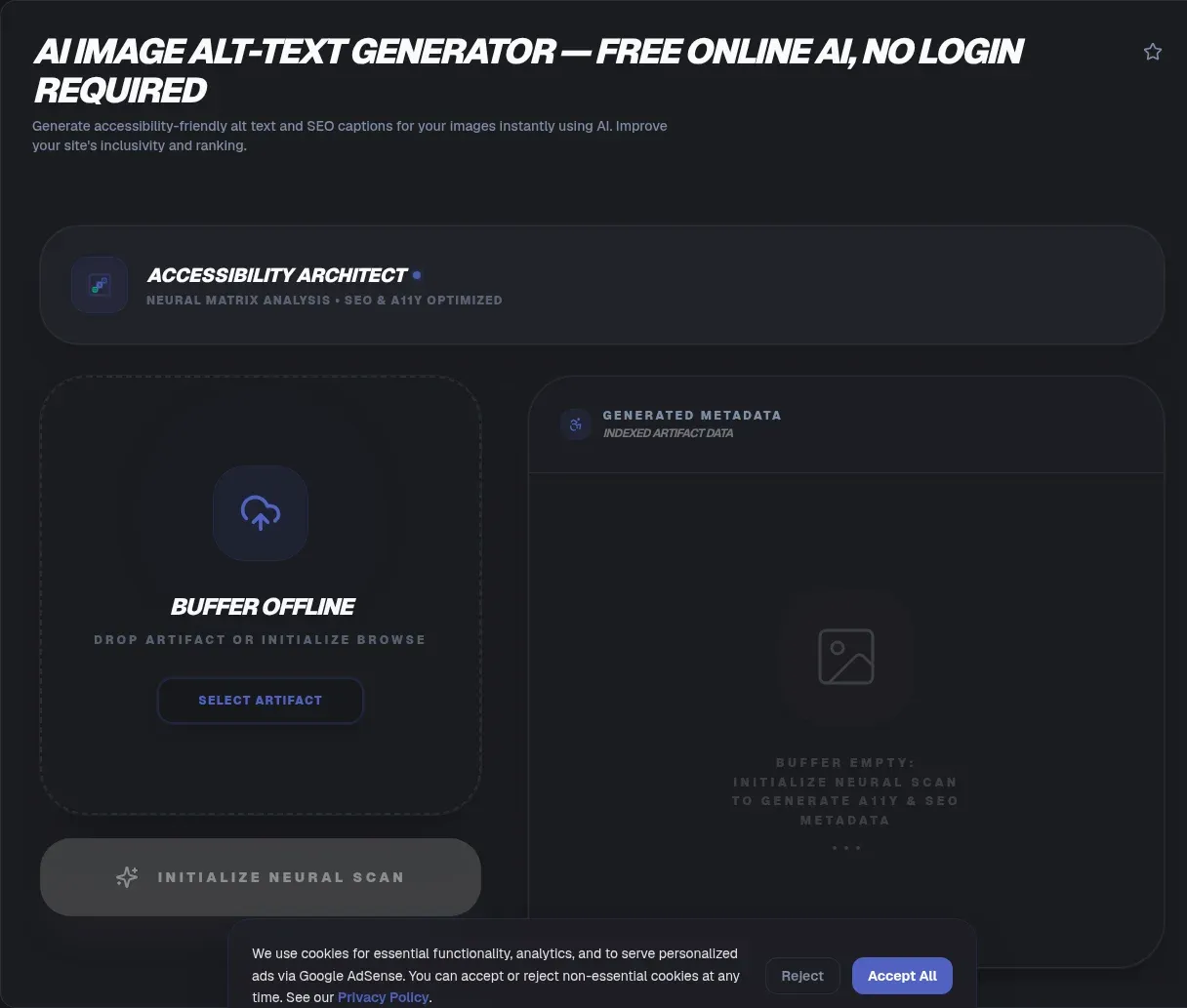
The ToolSura AI Image Alt Text Generator turns an uploaded image into draft alternative text plus a longer caption, ready to paste into any content management system. Select or drag and drop a JPG, PNG, or WebP file, and the page describes its models identifying objects, actions, and settings to produce the description right in your browser Source.
The tool documents local processing within its sandbox, no login requirement, and no permanent storage of submitted images; those remain the operator's own descriptions of its behavior Source.
What Alt Text Is Actually For
The World Wide Web Consortium's accessibility tutorial states the requirement plainly: "Images must have text alternatives that describe the information or function represented by them" Source. That single sentence carries the whole discipline.
Who benefits reads like most of the internet. Screen-reader users hear alternatives read aloud or feel them as Braille. Speech-input users can target linked images by name. Mobile visitors browsing with images disabled still receive the content. Search engines index what text describes. Missing alternatives exclude every one of those audiences from whatever your pictures communicate.
The Three Categories That Change Everything
Not all images deserve the same treatment, and the W3C tutorial sorts them into categories worth memorizing Source:
| Category | Purpose | Correct alternative |
|---|---|---|
| Informative | Conveys essential information | Short description of the information |
| Functional | Acts as a link or button | Describes the action, not the appearance |
| Decorative | Pure visual embellishment | Empty attribute, alt="" |
Functional images trip people most often: a printer icon should announce print, not printer. Decorative images run opposite: describing them actually adds noise for screen-reader users, so the correct alternative is none at all. Generated descriptions fit informative images best; category decisions stay human.
Context Decides the Description
The W3C tutorial gives a memorable example: the same bird photograph needs only brief description on a parks website but full detail on a site dedicated to birds Source. Identical pixels, different purposes, different correct answers.
That context principle explains why generated drafts are beginnings rather than endings. A model sees objects and settings; only you know whether the visitor needs the species name, the product's material, or simply that a chart shows rising sales. Feed the draft through your knowledge of why the image exists on this particular page.
How This Generator Fits the Workflow
Per its documentation, the tool accepts uploads in common web formats, produces both concise alt text and an extended caption, and provides copy buttons for pasting into platforms like WordPress or Webflow or straight into HTML attributes Source. Processing happens per image, one at a time, with no bulk mode documented.
The speed argument is real. Writing thoughtful alternatives for a fifty-image gallery costs an hour of blank-page labor; reviewing fifty generated drafts costs minutes. The generator removes typing from the task while leaving judgment where it belongs.
Accuracy Expectations, Stated Honestly
The tool's own FAQ sets the right frame: output is described as highly accurate for common subjects, landscapes, and products, with manual review recommended Source. No underlying model is named anywhere on the page, so evaluate results empirically rather than by brand trust.
Expect strength on generic visual content and weakness wherever meaning lives outside the pixels: irony, references, data conclusions, brand terminology. Those gaps are not flaws unique to this tool; they are the boundary between seeing an image and understanding it, which currently runs through human heads.
Accessibility First, SEO Second
Alt text discussions gravitate toward search rankings, and the page does claim indexing relevance for Google Images Source. That benefit exists, but leading with it produces the wrong writing instinct: keyword-stuffed descriptions that please nobody reading them aloud.
Write for the screen-reader audience the W3C centers, and search performance tends to follow anyway because descriptive prose naturally contains relevant terms. Invert the priority and you get the stuffed alternatives the tool's own guidance warns against Source.
A Review Checklist for Generated Drafts
Run four questions against every generated description. Truth: does it match the actual image, including details models commonly miss? Function: if the image is a link or button, does the text describe the action instead of the picture? Length: long enough to inform, short enough to speak comfortably? Category: should this image have an alternative at all, or is it decorative?
Drafts passing all four ship confidently. The checklist takes seconds per image and converts generation from a slot machine into a drafting assistant with quality control attached. Teams that adopt such checklists report the same pattern: generation handles volume while humans handle meaning, and published quality ends up higher than either produced alone.
Platform Integration Notes
Because output arrives as copyable text, destination flexibility is total: the FAQ cites WordPress and Webflow compatibility, and any system accepting an alt attribute works identically Source. Paste into media libraries, markdown files, templates, or migration scripts without format friction.
For large migrations, remember the individual-processing limit documented on the page: bulk campaigns need either patience or scripted pipelines built on dedicated libraries. Free tools earn their keep on editorial workflows; automation at scale deserves dedicated infrastructure built for it.
Writing Function Labels: The Special Case
Linked and clickable images invert the usual rule. The W3C tutorial is explicit that their alternatives should describe what clicking does rather than how they look, giving a printer icon as the canonical example: users need to hear print, not printer icon Source.
Generated descriptions describe appearance by nature, so functional images deserve manual labels or careful editing every time. Logos linking home, social icons, cart buttons, and menu toggles all fall under this rule, and they are also among the most repeated images on any site, worth getting permanently right.
A Note on Decorative Images
Some images should carry no alternative at all. Purely ornamental backgrounds, spacer graphics, and visual flourishes convey no information, and describing them only buries screen-reader listeners in noise. The correct technique is an empty attribute, alt="", which assistive technology interprets as skip me.
Deciding decoration versus information is a judgment call models cannot make alone, since the same photograph might be essential content on one page and ambience on another. Keep that decision human even when generation drafts everything else Source.
Length, Brevity, and the Screen Reader Experience
Alternative text gets spoken aloud, which makes length a user-experience decision rather than a stylistic one. A screen reader announcing a forty-word description for a thumbnail interrupts flow; two words for an essential chart under-explains. Aim for one clear sentence that conveys the point someone would lose without seeing the image.
The tool's own guidance aligns: descriptive, concise, and contextual, with keyword stuffing explicitly discouraged Source. Its extended caption output exists precisely because longer observations belong in visible captions where every reader benefits, not hidden inside attributes only assistive technology reaches.
Key Takeaways
- Images must carry text alternatives describing their information or function, per the W3C.
- Informative images get descriptions, functional images describe actions, decorative images take empty alt.
- Generated drafts remove typing while human review supplies context the model cannot know.
- Write for screen readers first; search benefits follow descriptive honesty rather than keyword stuffing.
- One-image processing suits editorial workflows; bulk campaigns need scripted infrastructure.
Frequently Asked Questions
What exactly is alt text and who needs it?
Alternative text describes an image's information or function as text, and the W3C requires it for images. Screen-reader users hear it aloud or read Braille renderings; voice-control users target images by name; mobile visitors with images disabled still receive content; search engines index it. It serves assistive technology first and everything else downstream.
How does this generator produce descriptions?
Per its documentation, uploaded images in JPG, PNG, or WebP format are analyzed by deep-learning models that identify objects, actions, and settings, producing both short alt text and a longer caption. No specific model is named on the page. Output copies directly into CMS fields or raw HTML attributes wherever images live.
Is AI-generated alt text accurate enough to publish?
Treat drafts as reviewable starting points, matching the tool's own recommendation of manual review. Common subjects, landscapes, and products generate reliably per the page's claims, while meaning that lives outside the pixels, references, data conclusions, brand voice, still needs human judgment before publication.
Does alt text really help with Google Images?
The tool page describes alt text as a primary signal for Google Images indexing, and search engines do consume these descriptions. Keep priorities ordered though: accessibility is the requirement and the discipline, while image search visibility follows naturally from honest descriptions written for humans rather than keyword collections aimed at crawlers.
Can I process a whole library of images at once?
Not currently. The FAQ states the tool handles images individually, so galleries and migrations need repeated passes or, at real scale, scripted pipelines using dedicated libraries. For editorial workflows adding images one article at a time, the single-image flow matches how work actually arrives anyway.
Are my uploaded images stored anywhere?
The page describes local processing with images not stored permanently on servers, phrased as operator self-description rather than audit. Standard caution applies regardless: avoid uploading imagery containing personal information, unreleased products, or anything sensitive whose exposure would matter, since such material rarely belongs in web forms anywhere.
When should I write alt text manually instead?
Whenever judgment outweighs transcription. Functional images need action labels matching interface intent, decorative images need the decision to use empty alternatives at all, and brand-specific or contextual imagery needs vocabulary a general model lacks. Generate the draft, then override whenever you know something the pixels cannot show.
Related Tools
Support the surrounding image workflow:
- Image Resizer prepares correctly sized assets.
- PNG/JPG Compressor slims final exports.
- Favicon Generator handles square icon crops.
- Word Counter keeps descriptions within length limits.
- HTML Entity Encoder/Decoder fixes characters in markup.
- Color Contrast Checker completes accessibility checks.Start with your most-visited pages where alternative-text gaps affect the most visitors, work through existing galleries using the checklist above, and make generated-plus-reviewed drafting part of the publishing checklist going forward so new content ships accessible from day one.That division of labor is the lasting takeaway: let the model describe, let the checklist filter, and let your knowledge of the audience decide what each image truly means on its page.Sixty-two words of closing advice, then: audit what exists before generating what does not, because a site full of unchecked drafts helps nobody. Inventory every image, decide its category honestly, generate where informative, label function manually, empty the decorative, and review everything once. Accessibility is not a feature you add; it is a habit you keep.
- Image Alt Text for SEO — the full accessibility and ranking guide