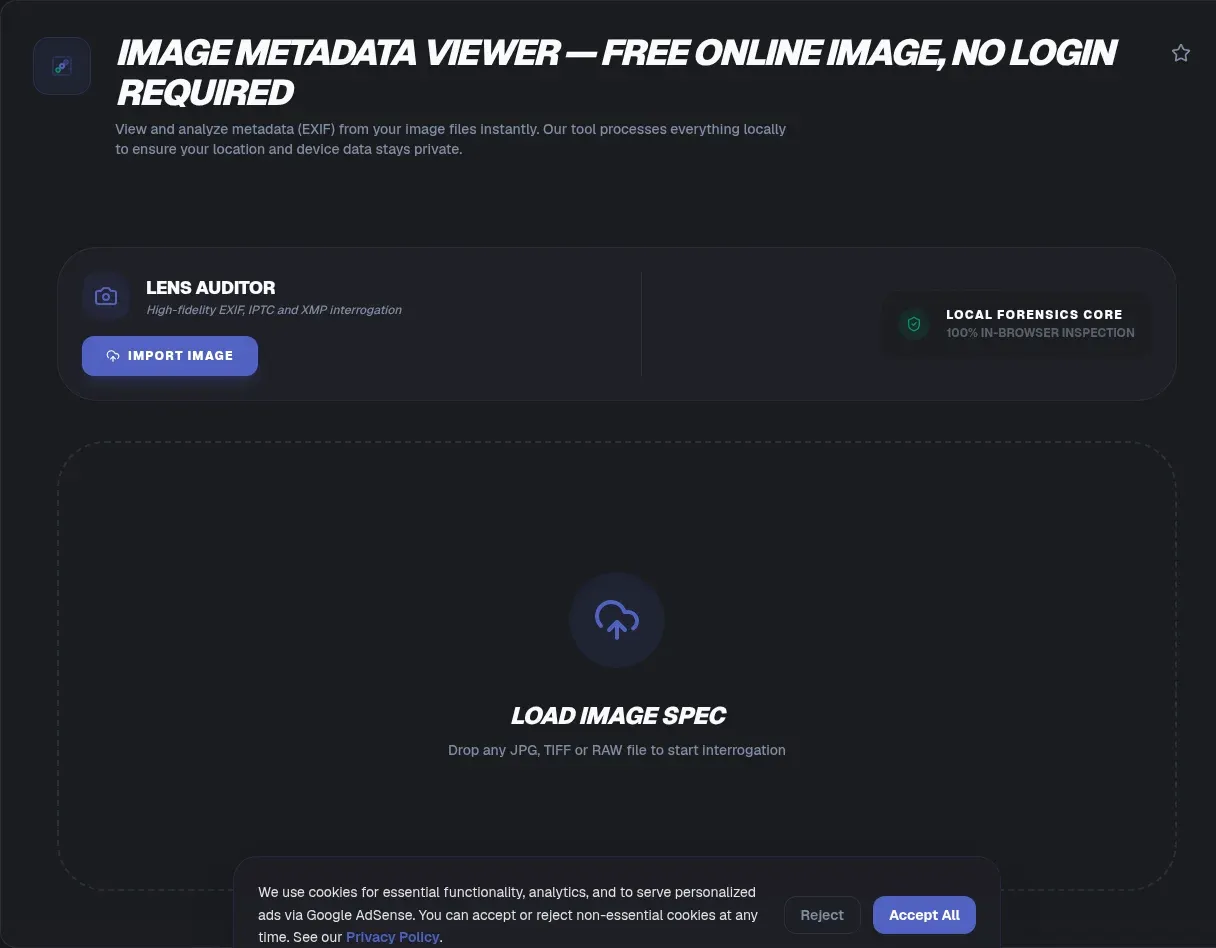
Every photo hides a small database inside the pixels: camera model, shutter speed, timestamps, editing software, and frequently the GPS coordinates of where you stood. An image metadata viewer reads all of it. ToolSura does this entirely in your browser, so the file never leaves your device and auditing a private photo creates no new exposure.
No uploads, no accounts, no waiting queue: parsing happens locally with JavaScript, the approach proven by the open-source exifr library that reads EXIF, GPS, and XMP straight from a file input (exifr on GitHub). In 2012, a single iPhone photo with intact GPS tags helped locate the fugitive John McAfee in Guatemala (WIRED, 2012).
Key Takeaways
- ToolSura reads EXIF, GPS, IPTC, and XMP entirely in your browser, with no uploads
- GPS tags reverse-geocode to street addresses; one 2012 photo located John McAfee
- WhatsApp default-quality sends retain EXIF including GPS; only HD mode strips it
- Metadata parser bugs are a recurring CVE class; browser sandboxing sidesteps them
- Re-encoding drops most metadata, and screenshots carry almost none
What Metadata Is Hiding Inside Your Photos
Most JPEG photos carry five distinct layers of hidden data: EXIF capture settings, GPS coordinates, IPTC publishing fields, an Adobe XMP block, and an embedded backup thumbnail. EXIF is the core layer, a TIFF-based tag structure formulated by Japan's JEITA and CIPA standards bodies and packed with dozens of camera settings (Wikipedia: Exif).
The standard evolves slowly. Exif 2.31 arrived in 2016 with UTC offset tags, 2.32 followed in 2019 with composite-image tags, and Exif 3.0 landed in May 2023 with UTF-8 tag types, APP11 annotation data, and revised GPS/GNSS support (CIPA standards history). A corrected edition followed in December 2024 (JEITA CP-3451G preview).
The publishing layers sit on top. IPTC Photo Metadata Standard 2024.1 defines captions, creator contacts, copyright, and licensing terms used by news agencies, libraries, and museums (IPTC specification). XMP began at Adobe in September 2001 and became ISO 16684-1 in 2012; it survives Lightroom round-trips and often duplicates the EXIF and IPTC values already present (Adobe XMP standards; ISO 16684-1).
The Hidden Thumbnail Inside IFD1
EXIF stores a small standalone JPEG inside the file, parked in IFD1 with offset and length pointers. Editors frequently fail to update it, so many edited photos contain two thumbnails: the finished image and the pre-edit original. Crop out a house number or a face, and the uncropped frame can ride along invisibly. ToolSura surfaces the embedded preview so you can see exactly what extra imagery ships with your pixels.
EXIF, GPS, IPTC, XMP: What Does Each Standard Store?
Each standard answers a different question. EXIF records how the photo was captured, GPS records where, IPTC records who owns and describes it, and XMP glues everything together in extensible XML. One hard constraint matters immediately: EXIF metadata is restricted to 64 kB in JPEG files because it must fit inside a single APP1 segment (Wikipedia: Exif).
- EXIF: make, model, lens, shutter, aperture, ISO, focal length, flash, timestamps, orientation, plus the embedded thumbnail. Version 2.32 added composite-image tags for blended multi-exposure shots (CIPA Exif 2.32 translation).
- GPS: latitude, longitude, altitude, timestamp, and sometimes bearing, written automatically by phones with camera location access enabled.
- IPTC: caption, keywords, credit line, copyright notice, and contact details used across newsroom and archive pipelines (IPTC overview).
- XMP: RDF/XML storage that survives edits, records editing history, and mirrors EXIF and IPTC values under one flexible schema.
Run a file through a checker and you will usually see EXIF and XMP agreeing on timestamps while GPS sits in its own structure. Disagreements between layers tell a story too: mismatched dates usually mean an editor re-saved one block and ignored the rest.
What Can GPS Coordinates Expose?
Enough to end a manhunt. GPS latitude and longitude reverse-geocode into a street address in seconds, and phones attach those numbers by default. A 2010 USENIX study measured 48 percent of Craigslist-linked images keeping EXIF intact, while iPhone-era handsets embedded coordinates accurate to about one meter in every shot unless disabled (USENIX HotSec).
The McAfee case made this concrete. In December 2012, Vice published a photo of the fugitive antivirus founder taken on an iPhone 4S; its GPS EXIF placed him at Parque Nacional Rio Dulce, Guatemala, and he was found soon after. Vice later republished the image with coordinates stripped (WIRED). A professional news team made the mistake so nobody else has to.
Scale multiplies the risk. Carnegie Mellon researchers analyzed four million public tweets and 49 million geotagged Flickr photos, finding that Twitter's April 2015 switch from precise coordinate tags to city-level place tags caused an immediate collapse in shared coordinates; beforehand, many users had posted exact locations without realizing it (ICWSM 2017). The EFF treats geotag leakage as a standing location-privacy threat (EFF).
The takeaway: your camera writes a breadcrumb trail by default. Treat every original photo as a location record until you have checked it.
How Do You Check a Photo's Metadata Online?
Drop the file onto ToolSura's Image Metadata Viewer and read the panels; a full pass runs locally in about a millisecond. Benchmarks clock the underlying exifr parser at 2.5 milliseconds per photo against 76 milliseconds for a server-side ExifTool wrapper, tested across 2,036 images (exifr on GitHub). The photo never leaves your disk.
- Drop the file: drag a JPEG, PNG, HEIC, WebP, or AVIF onto the page, or pick one from disk. Parsing starts instantly.
- Read the summary panel: file type, dimensions, size, and which metadata blocks exist at all.
- Open the EXIF panel for camera make, model, lens, exposure settings, and capture timestamps.
- Check the GPS section first if you plan to share. Coordinates present? Decide whether the frame reveals your home, workplace, or school.
- Scan IPTC and XMP for names, email addresses, copyright strings, and editing-software fingerprints.
Missing tags tell a story as well. A photo with no camera make, no lens, and no timestamps was almost certainly re-encoded or stripped upstream, which changes how much trust you owe the image.
Which Platforms Strip Metadata (and Which Do Not)?
Big social platforms strip aggressively, messaging apps mostly don't, and email never touches it. Facebook sheds EXIF as a side effect of re-encoding uploads to reduced-quality JPEG, and Instagram removes all EXIF including geotags during processing. The stripping matters because EXIF can embed the exact GPS coordinates where a photo was taken (Wikipedia). Telegram delivers untouched files when sent as documents, while Snapchat compresses so heavily that original EXIF disappears.
Plain email attachments preserve everything, every tag included. Forward a photo to a colleague and its coordinates travel inside the message. Only pipelines that re-encode pixels reliably scrub EXIF, so assume nothing about channels that simply pass files along.
WhatsApp's Default Setting Keeps Your GPS
Most guides miss this nuance: since around 2021, WhatsApp's default-quality send retains EXIF, GPS included. Only the explicit "HD Quality" option strips metadata during compression (Android Police). Millions of house tours, kid photos, and document scans move through default WhatsApp daily on the assumption the app sanitizes them. Unless you tap HD, it doesn't.
Why Is Browser-Based Viewing Safer Engineering?
Because metadata parsers break, and the bugs are severe. Crafted EXIF data has produced memory corruption across every major native parser; libexif's newest entry, CVE-2026-32775, scores 7.8 HIGH on the CVSS scale with a public proof of concept (NVD). Upload-based viewers run this fragile native code on a remote server; a browser viewer parses the same bytes inside your sandboxed tab instead.
A Short CVE History of Metadata Parsers
- CVE-2026-32775: integer underflow in libexif 0.6.25 and earlier, MakerNotes decoding, CVSS 7.8 with public PoC (NVD).
- CVE-2012-2814: libexif 0.6.20 buffer overflow in tag formatting; crafted tags could crash software or execute code (NVD).
- CVE-2018-6612: jhead 3.00 integer underflow causing a heap buffer over-read on malicious JPEGs (NVD).
- CVE-2007-6353: exiv2 integer overflow enabling heap overflow and arbitrary code execution (NVD).
The pattern spans two decades: hostile metadata meets native C code, and memory safety loses. Client-side JavaScript parsing sidesteps that entire class because your own sandboxed interpreter does the work; projects like exifr prove full EXIF, GPS, XMP, and ICC coverage works in the browser (exifr on GitHub). For forensic-depth audits, ExifTool remains the reference implementation, reading tens of thousands of tags across dozens of formats (ExifTool); run it locally, never as someone's web endpoint.
How Do You Remove Metadata Before Sharing?
Prevention beats cleanup, and commands beat menus. The fastest route on any system is ExifTool writing a fresh copy with every tag cleared: exiftool -all= image.jpg. Stopping GPS at the source works even better, so revoke your camera app's location access and the coordinates never get written in the first place (ExifTool).
Prefer graphical routes? Windows Photos offers File Info, then Remove Properties and Personal Information. On macOS, Preview's Tools menu opens Show Inspector, where the GPS tab includes a Remove Location button. iOS users can wire a Shortcuts automation around the built-in Remove EXIF action. Each takes under a minute once set up.
Re-encoding is the blunt hammer: any pipeline writing fresh pixels, whether resizing, compressing, or converting, discards old metadata blocks along the way. And to reshare someone else's photo safely, screenshotting is the quickest sanitizer available.
Rule of thumb: strip before sending to individuals and small groups, where no platform helps you; lean on platform re-encoding only for large social networks, and verify even then.
Format Quirks: JPEG, PNG, WebP, and HEIC
Formats store metadata differently, and the differences bite. JPEG tucks EXIF into a 64 kB APP1 segment. PNG uses dedicated text chunks with optional compression and language tags (W3C PNG Specification). WebP carries metadata in RIFF chunks whose presence flags live in the VP8X header, and lossless WebP supports no metadata whatsoever (WebP Container Specification).
PNG's three chunk types cover most needs: tEXt for Latin-1 keyword pairs, zTXt for zlib-compressed text, and iTXt for UTF-8 text with an optional BCP-47 language tag, which the specification recommends for all new files (W3C PNG Specification). HEIC behaves more like JPEG, storing rich EXIF, which is why untouched iPhone originals hold full GPS data even when many desktop viewers refuse to open them.
WebP Lossless Cannot Store Metadata at All
The VP8L bitstream behind lossless WebP has no EXIF or XMP chunk support, period, per Google's container specification (Google WebP Container Specification). Convert a GPS-tagged JPEG to lossless WebP and the coordinates vanish silently. Convert back and they stay gone. After any conversion, re-run the result through a metadata checker instead of assuming; the WebP to PNG/JPG converter turns that re-check into a ten-second job.
Screenshots Are Born Clean
No capture pipeline means no camera EXIF, so a screenshot carries at most a text chunk naming the software and the screen dimensions. That emptiness is a feature. Reshare someone else's photo as a screenshot and its GPS coordinates and camera fingerprint stay behind.
Common Mistakes When Reading Photo Metadata
We've seen the costliest mistake repeat constantly: trusting a filename or a platform promise. Renaming a file changes zero bytes inside it, and WhatsApp's defaults quietly retain GPS. Verify the file itself. A close second: stripping only one layer. Coordinates can live in both the EXIF GPS IFD and a duplicated XMP block, so removing one while ignoring the other leaves the location behind.
Three more worth avoiding: assuming a thumbnail is harmless (it can show the pre-edit frame), trusting stripped-looking downloads (some tools clear visible EXIF but leave XMP untouched), and pasting sensitive photos into upload-based viewers, which trades one leak surface for another. When in doubt, screenshot the image and share that; the copy carries essentially nothing.
Related Tools
Metadata inspection fits a wider browser-only workflow, and each of these runs client-side too:
- PNG/JPG Image Compressor: compression re-encodes pixels, so push your compressed output back through the viewer and see exactly which metadata survived.
- WebP to PNG/JPG Converter: conversion interacts with WebP's EXIF and XMP chunks; confirm what your converted files actually kept.
- Image Resizer: resizing pipelines typically drop EXIF wholesale, which makes resizing the cheapest privacy step you own.
- Base64 Image Encoder: data URIs carry only what you embed, a clean way to ship pixel-exact copies with nothing extra.
- SVG Optimizer: vector files hide editor metadata too, and optimization cleans that out.
- Image Color Palette Extractor: palette tools read pixels while the viewer reads metadata, so together they profile a file completely.
Checking takes seconds, and the habit pays off the first time a photo nearly ships with your home coordinates attached. Run a recent favorite through the viewer, read the GPS panel honestly, and decide what each image carries before it leaves your hands. Pixels are for sharing; coordinates are not.