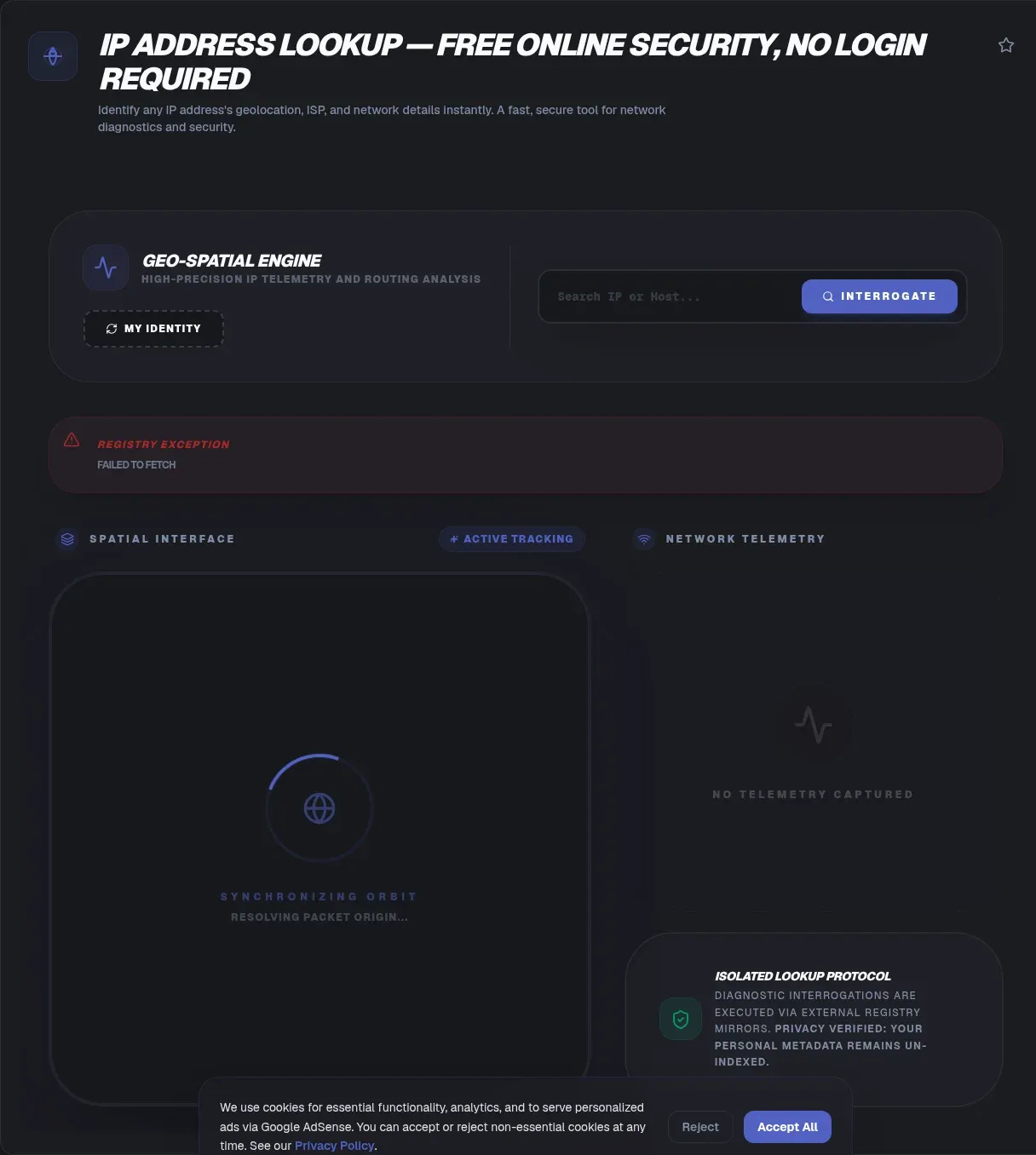
The ToolSura IP Address Lookup reveals the organizational story behind any IPv4 or IPv6 address: which provider operates it, where the network registers its presence, whether it looks residential or datacenter-hosted, and who owns the surrounding block Source. Enter an address, read the report, done.
Two boundaries frame everything this tool does, and its own documentation states them plainly: results identify a network's point of presence rather than anyone's street address, and you cannot usually find an individual person's name from an IP, only organizational owners Source.
What an IP Address Actually Identifies
Wikipedia's definition is the cleanest starting point: an IP address is "a numerical label" assigned to devices on networks using the Internet Protocol, serving two functions, "network interface identification, and location addressing" Source. Note what that pairing means: location here means network topology, not geography in the postal sense.
Every lookup answer descends from those two roles. Identification questions resolve to organizations through registry records; location questions resolve to coarse regions because addresses were allocated geographically, not because they encode coordinates.
IPv4 and IPv6: Two Address Books
IPv4 uses 32-bit addresses, capping the space at 4,294,967,296 total addresses; IPv6 expanded to 128 bits, roughly 3.4 x 10^38 possibilities Source. The lookup handles both formats since modern traffic increasingly arrives over v6 while legacy systems remain v4.
Allocation follows a documented chain regardless of version: IANA manages the global space alongside five regional Internet registries, assigning blocks to RIRs, which distribute them onward to ISPs and large institutions Source. That hierarchy is why lookups can name owners at all: every address inherits its organizational ancestry from these public records.
What This Lookup Reveals
Per its documentation, the tool reports four layers per query: geographic registration data down to city plus coordinates, the operating ISP with its ASN, connection-type classification separating residential from datacenter addresses, and block ownership drawn from WHOIS and ASN records Source.
Together those fields answer the practical question most investigations start with: is this address part of a consumer broadband pool, a cloud provider's fleet, a corporate campus network, or something deliberately anonymizing? Each answer redirects the next investigative step differently.
Reading ISP and ASN Data
The ASN deserves a short explainer. An Autonomous System Number identifies a routing domain under single administrative control, typically one ISP, cloud platform, university, or enterprise network. When a lookup returns an ASN, it has effectively named the organization responsible for how that address reaches the internet.
ASN context changes interpretation dramatically. The same suspicious-looking request reads entirely differently arriving from a known consumer ISP versus a bulk hosting range, and abuse reports route to completely different contacts depending on which autonomous system holds the offending block.
Residential Versus Datacenter Signals
The tool classifies connection type by analyzing metadata and ASN characteristics per its documentation Source. Residential addresses belong to consumer pools that ISPs lease to households; datacenter addresses sit inside hosting facilities' announced ranges.
Why fraud teams care, in the page's own framing: bots and malicious actors disproportionately operate from datacenter infrastructure because renting compute is cheaper and less traceable than compromising homes Source. A datacenter classification is not proof of malice, plenty of legitimate crawlers and VPN egress points live there, but it correctly raises scrutiny thresholds in risk models.
Proxy, VPN, and Tor Flags
Anonymity services leave structural fingerprints: Tor exit nodes come from publicly published lists, commercial VPN ranges concentrate inside known providers' announcements, and proxy behavior correlates with specific hosting patterns. The page describes flagging all three categories using metadata plus ASN analysis Source.
Read flags as signals rather than verdicts. Detection databases lag reality, shared infrastructure creates false positives, and legitimate privacy-conscious users exist. Combined with connection type and ownership data, though, these classifications give security workflows exactly the triage signal they need before deeper analysis begins.
What Lookups Cannot Tell You
The limits deserve equal billing with capabilities. City-level precision carries the page's own claimed range of 80 to 99 percent, an operator self-description worth treating cautiously Source. Coordinates describe network infrastructure locations, not people. Mobile connections, VPNs, and carrier-grade NAT all blur geographic answers further.
Most importantly, no lookup turns an address into a person. The page says so directly: individual names are not discoverable this way, only the organizations holding blocks Source. Anyone promising house-level identification from an IP alone is selling database mythology.
Legitimate Uses Worth Doing Well
The productive applications cluster around organizational problems. Abuse reporting needs correct upstream contacts, which ownership data provides. Fraud prevention scores requests partly on connection reputation. Network legitimacy checks verify that a partner's claimed infrastructure matches their traffic's actual origin Source.
Notice the common thread: every strong use case targets networks, organizations, and infrastructure decisions. That is the tool's proper altitude, and staying there keeps lookups both useful and appropriate.
Content and platform teams inherit a quieter version of the same workflow. Regional availability questions, cache-pop behavior, and CDN edge assignments all become legible when traffic origins resolve to named networks rather than anonymous strings. Even capacity planning benefits, since knowing which providers dominate your audience shapes where redundancy actually matters Source.
Geolocation Is Approximate by Design
Geographic results derive from registry allocations, latency measurements, and operator self-declarations assembled into databases, none of which guarantee where a user physically sits. A block registered in one city may serve subscribers across three states; an ISP's central office may anchor thousands of addresses to one coordinate.
Practical consequence: act on country and network-level conclusions readily, treat regional answers as probabilistic, and never let city-level output drive consequential decisions alone. The lookup informs judgment; it does not replace verification through logs, account data, or direct contact. Teams that internalize this ordering stop asking databases questions they were never built to answer and start asking ones they answer excellently, which is the difference between intelligence and guesswork dressed in coordinates.
Privacy of Your Own Lookups
The page documents client-side processing within its sandbox architecture with zero data transmission to servers described Source. Standard practice applies to any web tool regardless of positioning: avoid pasting address lists tied to sensitive investigations into anything whose handling you cannot audit.
For bulk enrichment work, dedicated API services with documented retention policies fit better anyway. This tool shines for the everyday case: one address, quick questions, immediate organizational answers.
A Short Field Guide to Reading Results
Approach every report in the same order. Start with ownership, since the block holder tells you which category of organization you are dealing with before anything else colors judgment. Move next to connection type, separating consumer pools from hosting ranges. Check flags third, weighing any proxy or VPN markers against the ownership picture.
Geography comes last deliberately, because it is the least reliable field and the easiest to over-read. An answer assembled in that sequence stays anchored to hard registry facts first and soft inferences last, which is exactly the confidence gradient the underlying data supports Source.
Key Takeaways
- IP lookups reveal organizations and networks: ISPs, ASNs, ownership blocks, connection types.
- IPv4 spans 4,294,967,296 addresses while IPv6 scales to 128 bits, both handled here.
- Results identify network presence, never street addresses or individual identities.
- Datacenter and VPN flags are triage signals, raising scrutiny rather than proving intent.
- Geographic answers stay approximate by design; act decisively only at network level.
Frequently Asked Questions
What can someone learn about me from my IP address?
Organization-level facts: your ISP or hosting provider, approximate registered region, whether your connection type looks residential or datacenter, and which company owns your address block. Per the tool's own documentation, that is where it ends: no street addresses and no individual names emerge from IP lookups, because the data maps networks rather than people.
Can an IP lookup find someone's home address?
No. The tool page states directly that results locate a network's point of presence rather than houses, and that individual identities do not surface through lookups. Geographic databases bind addresses to registry points and infrastructure, not residences. Claims of address-level precision from IP data alone are mythology, full stop.
Why does my own IP show the wrong city?
Databases map address blocks to registry and infrastructure locations, which frequently differ from subscriber locations. Carrier-grade NAT, mobile routing, and corporate egress compound the drift. Treat city results as regional indicators useful for coarse decisions, and rely on account or log data when precision actually matters somewhere.
What is an ASN and why does it matter?
An Autonomous System Number identifies a routing domain under one administrative control, typically an ISP, cloud provider, university, or large enterprise. Knowing the ASN behind an address names the organization accountable for its traffic and routing policy, which directs abuse reports correctly and frames every other finding in the lookup.
How do tools detect VPNs and proxies?
Detection combines known-range lists, such as published Tor exits and commercial VPN announcements, with classification heuristics over ASN and metadata, as this tool's documentation describes. Treat resulting flags as probability signals rather than proof: databases lag, infrastructure gets shared, and false positives happen in both directions.
Is looking up IP addresses legal and responsible?
Registry and geolocation data is publicly available, and lookups for security analysis, fraud prevention, and abuse reporting are standard professional practice, which is precisely the framing this tool's use cases take. What remains off-limits ethically is using network data to harass or profile individuals, which the technology cannot support anyway given its organizational resolution.
Does DHCP make lookup results expire?
Effectively yes for individuals. Wikipedia notes dynamic assignment through DHCP is the dominant model, meaning consumer addresses change regularly on restart cycles. Any association between a person and an address therefore decays quickly, another reason lookups support organizational conclusions far better than personal ones.
Related Tools
Extend network diagnostics:
- URL Redirect Checker traces link paths end to end.
- URL Encoder/Decoder cleans log parameters.
- JSON Formatter & Validator reads API threat feeds.
- Regex Tester parses log patterns fast.
- Timestamp Converter aligns event timelines.
- Word Counter fits abuse reports to forms.
Know the network before trusting the traffic: the IP Address Lookup names owners, providers, and origins in seconds.
One closing note for teams building this into runbooks: record the lookup snapshot alongside incident timestamps, since registry ownership and classifications shift over months. A decision reviewed a year later reads very differently without the evidence that justified it at the time.
Treat every lookup as one input among several rather than a verdict. Registry data, behavioral signals, and direct verification each carry independent weight, and conclusions built on all three survive scrutiny far better than any single-source answer ever will.